18
Control
Panel
Gain Changes the PW/CW mode gain---- rotate <iTouch> knob.
Audio
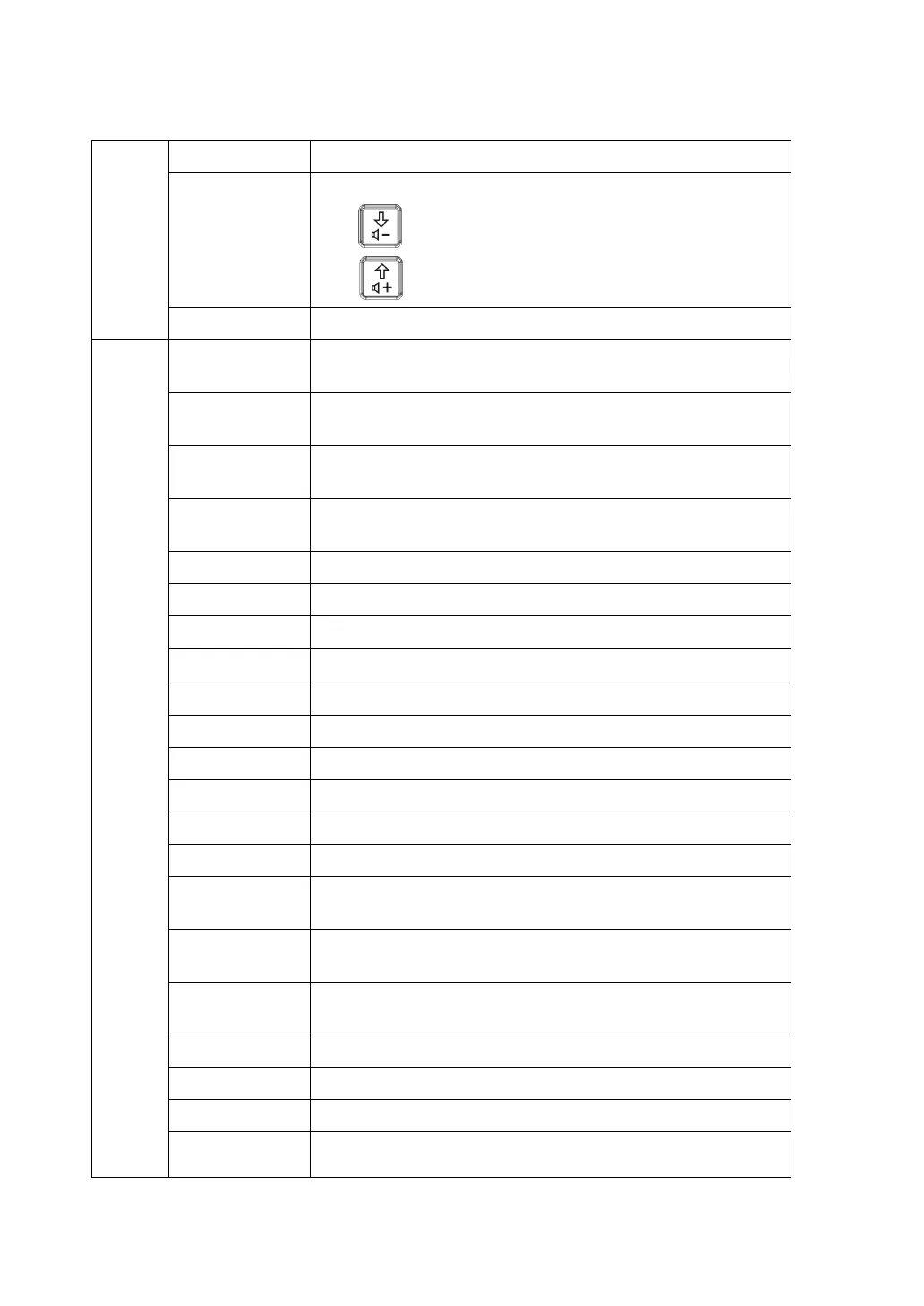
Adjust volume.
Ctrl+
: decrease the volume.
Ctrl+
: increase the volume.
iTouch Image auto-optimization----press <iTouch>.
Menu
Display Format
Sets the display format of PW mode image with B mode
image.
Invert
Inverts the color bar so as to change the flow display
manner.
Baseline
Accommodates flow with quicker or slower speed to
eliminate alias.
Duplex/ Triplex
Sets if B (B+Color) image and PW image are displayed
synchronously.
Scale Changes PRF to adjust the velocity display range.
PW Steer Adjusts the SV steering angle of linear probe.
Angle Adjusts the SV angle in increment of 1 degree.
Quick Angle
Quickly adjusts SV angle in increments of 60
°
.
Wall Filter Filters out signals of low speed flow.
Frequency Selects the frequency value in doppler mode.
V Max Sets to display the maximum speed tracing.
V Mean Sets to display the average speed tracing.
Colorize Turns on/off the colorize map display.
Colorize Map Selects among available colorize maps.
Dynamic
Range
Adjusts contrast resolution of an image, compresses or
expands gray display range.
Trace Area
Sets the trace area of the Doppler wave in the spectrum
map.
Trace
Sensitivity
Sets the trace sensitivity.
Speed Sets scanning speed.
A. power Selects the acoustic power value.
Trace Smooth Rejects noise and makes the image smooth.
SV
Adjusts the SV position and size of sampling in PW mode,
the real-time value of SV and SVD are displayed in the



 To Next Page