23
Parameters that can be adjusted to optimize the Free Xros M mode image are
indicated in the following.
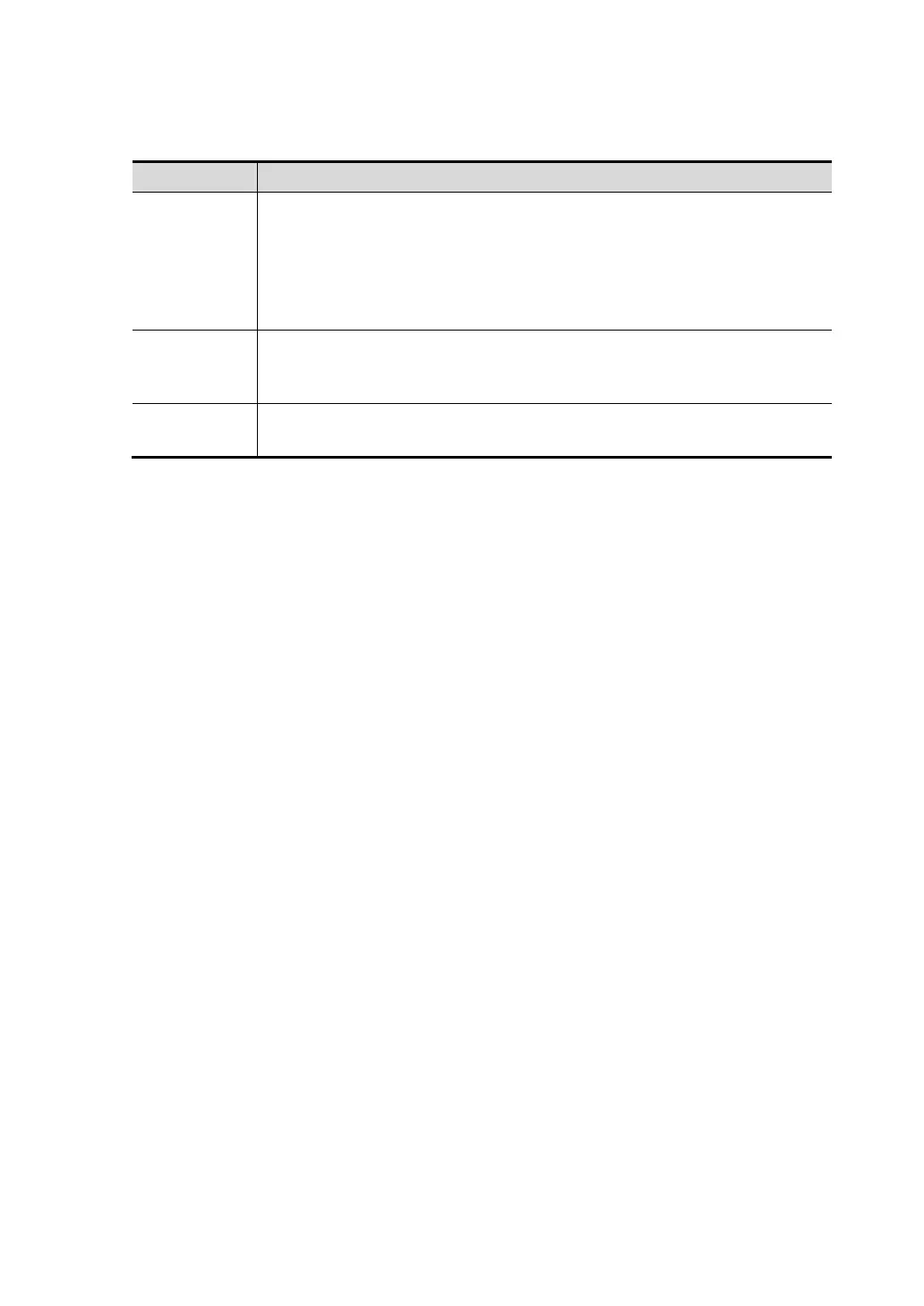
Item Function
Show A
Show B
Show C
There are 3 M-mark lines available, each with a symbol of "A", "B" or
"C" at the one end as identification and an arrow on the other end as
a mark for direction.
Click [Show A], [Show B], [Show C] in the soft menu or menu to
display or hide the sampling line, and the corresponding image will be
displayed on the screen once the related item is selected.
Angle
Adjustment
When the M-mark line is activated, move the trackball to adjust the
fulcrum of the line, and adjust the angle by adjusting the [Angle] in the
soft menu or the multifunctional knob.
Display
This function is to adjust the display of the images when there is more
than one M-mark line.



 To Next Page