34
Add Body Marks
1.
Press to enter the body mark selection status.
2.
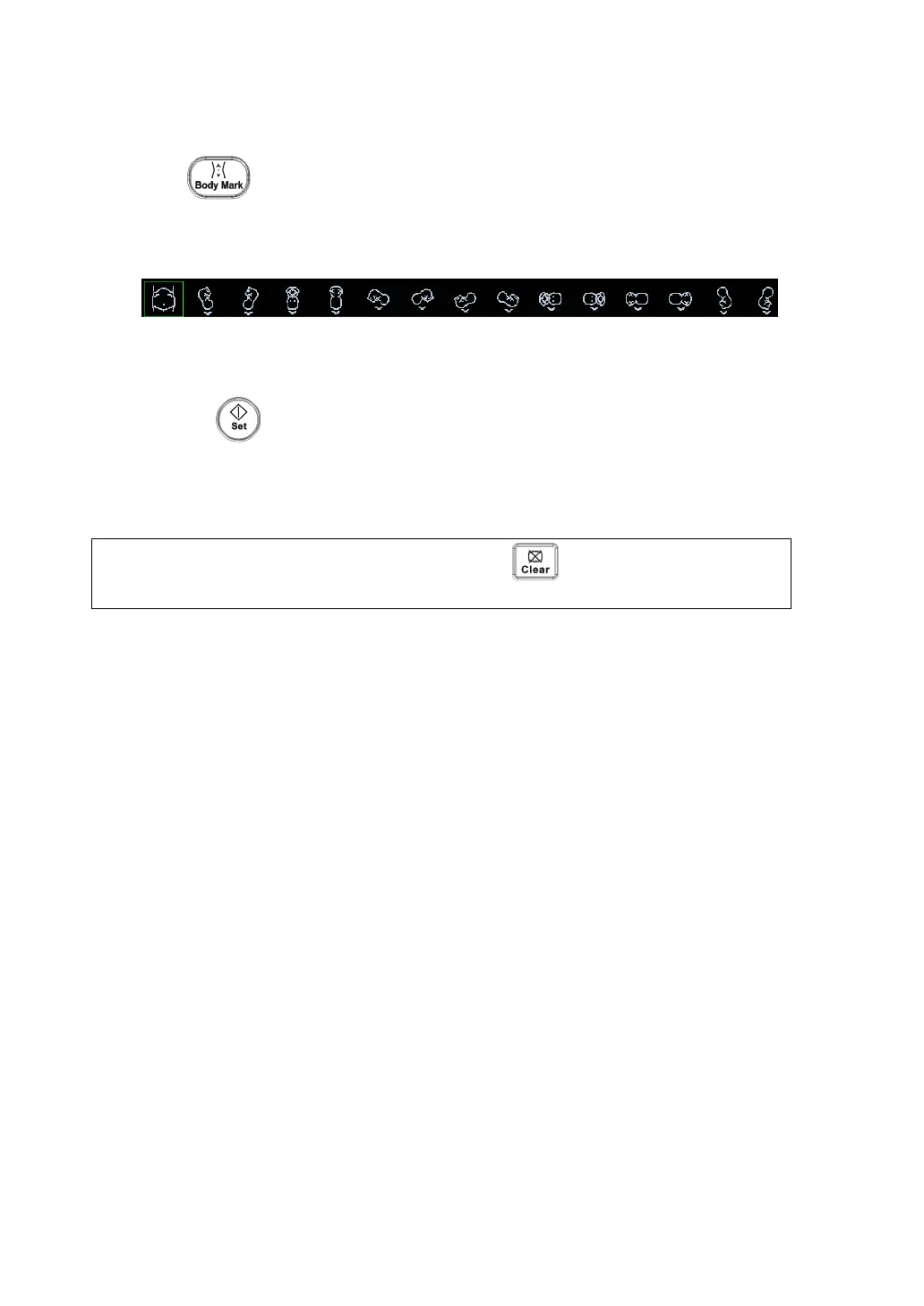
Select the body mark.
z Move the cursor onto the desired body mark to highlight your choice (See the
figure below).
3.
To adjust the probe position and orientation marker: Roll the trackball to place the
probe marker in the correct position; Rotate the multifunctional knob to adjust the
orientation.
4.
Press the key to confirm the position and orientation of the probe marker
and exit the body mark mode.
The system supports to add two body marks in one image window. To add two
body marks, set the [Current BM] to be “1st”, and after the first one is added, set
the [Current BM] to be “2nd” to add another one.
NOTE:
When no object is selected, pressing the
key will clear all comments
and all measurements calipers.



 To Next Page