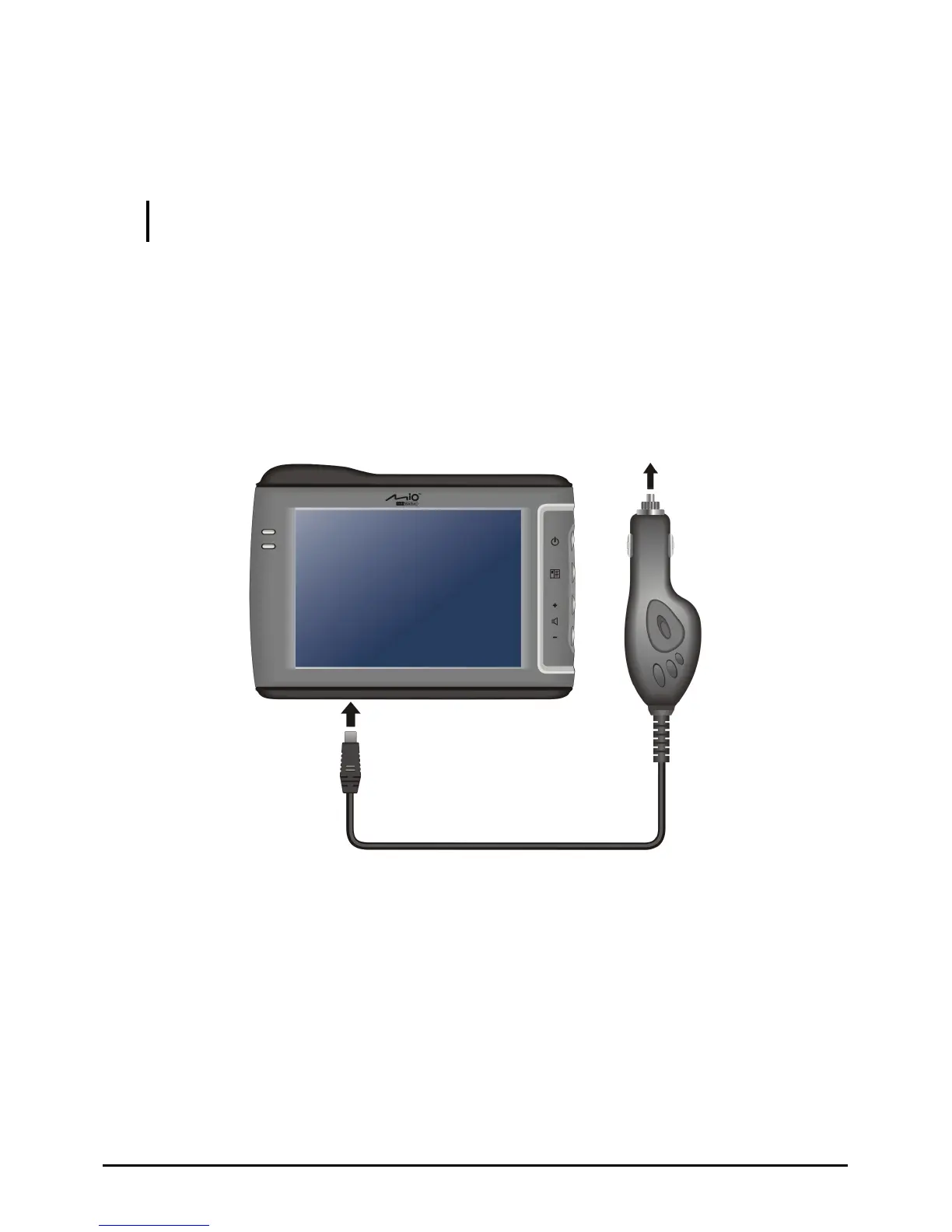
Connecting the Car Charger
The car charger supplies power to your device when you are using the device in a
car.
CAUTION: To protect your device against sudden surges in current, connect the car charger
only after the car engine has been started.
1. Connect one end of the car charger to the power connector of your device.
2. Connect the other end to the 12-volt cigarette lighter or power port to power
and charge your device. The indicator light on the car charger lights in green
to indicate that power is being supplied to your device.
To Cigarette Lighter
7



 To Next Page