z Microsoft® Windows® XP Home Service Packs 1 and 2
5
z Microsoft®
g and collaboration clients
ired)
Microsoft® Systems Management Server 2.0
1. nd insert the Application CD into the CD-ROM
2.
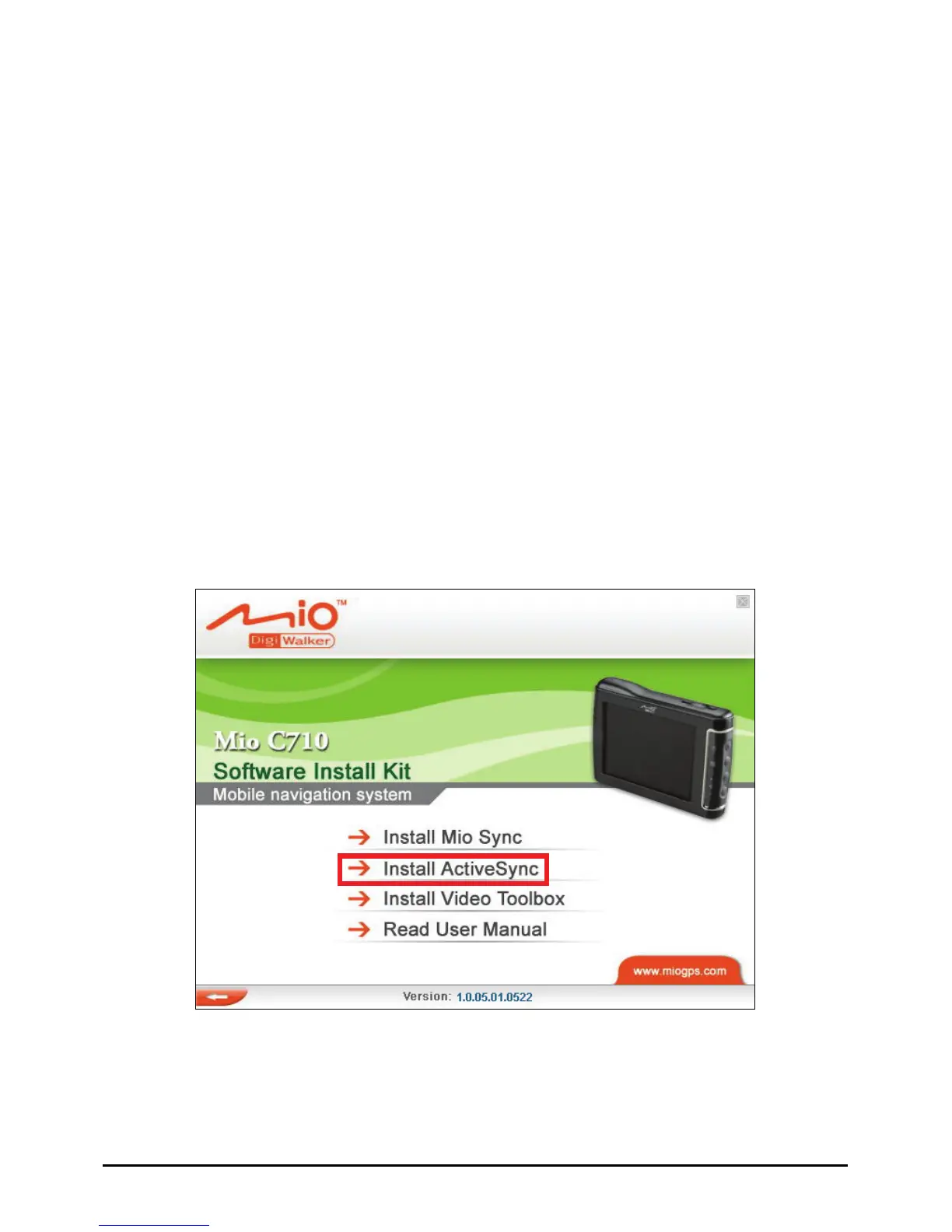
ActiveSync and follow the
onscreen instructions to finish the installation.
z Microsoft® Windows® XP Tablet PC Edition 2005
z Microsoft® Windows® XP Media Center Edition 200
z Microsoft® Windows® XP Professional x64 Edition
Microsoft® Outlook® 2000 and Microsoft® Outlook® XP, and
Outlook® 2003 messagin
z Microsoft® Office 2000
z Microsoft® Office XP
z Microsoft® Office 2003
z Microsoft® Internet Explorer 6.0 or later (requ
z
Installing ActiveSync
Turn on your computer a
drive of your computer.
The autorun screen should appear. Select
Install
3. u may be asked to
Depending on the version of your operating system, yo
restart your computer during the installation process.
76



 To Next Page