9.4 Exploring Bluetooth Devices
NOTE: To use the service of a remote Bluetooth device, make sure that the remote device is
in discoverable mode.
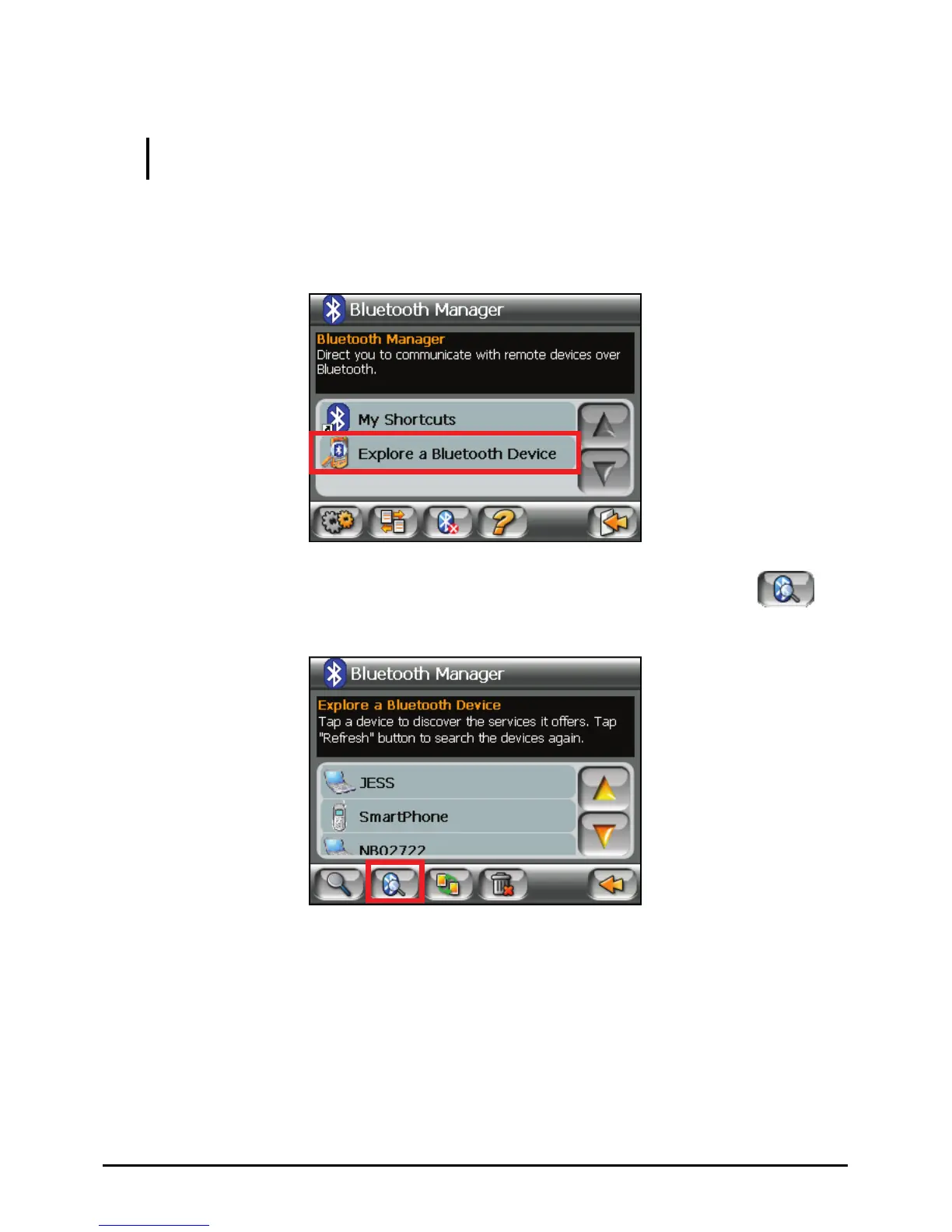
1. Start Bluetooth Manager.
2. Tap
Explore a Bluetooth Device to search for Bluetooth devices nearby.
3. The device list appears on the screen. Tap the target device and tap
to
browse the services of the device.
4. Tap the service you want to use.
67



 To Next Page