ctive connections.
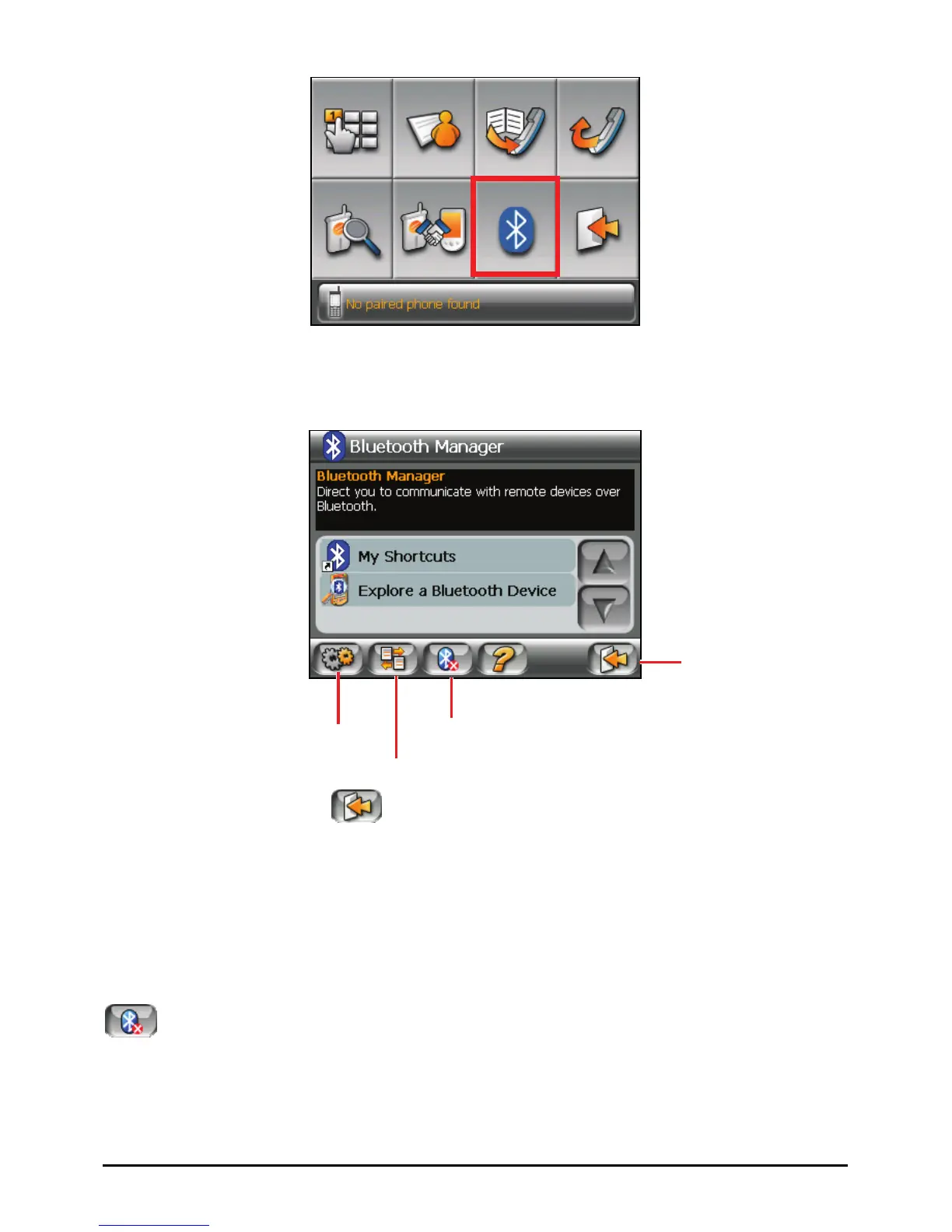
Exit
Bluetooth Settings
To exit the program, tap
. You will be back to the Dialer screen.
9.3 Turning On/Off Bluetooth
Whenever you start Bluetooth Manager, Bluetooth is turned on. The Bluetooth
indicator on your device flashed in blue.
Exiting Bluetooth Manager doesn’t turn off Bluetooth. To turn off Bluetooth, tap
in the Bluetooth Manager screen. The flashing Bluetooth indicator goes
off.
66



 To Next Page