2.2 Using the Contact list
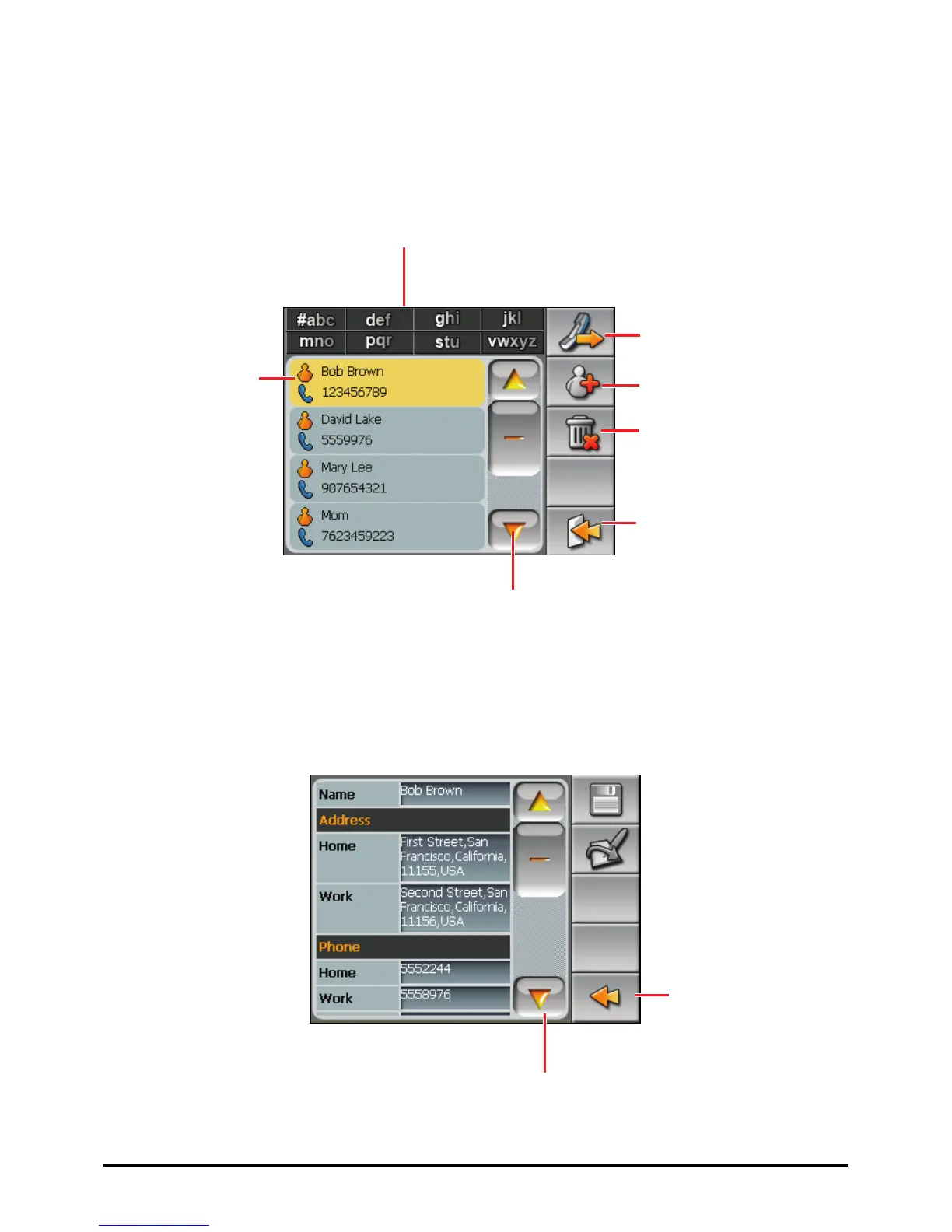
After starting Contact, the contact list appears. It shows the names and phone
numbers (mobile phone numbers by default) of your contacts.
You can use the various buttons on the screen to search, call, or delete a contact.
2.3 Using the Summary Screen
In the contact list, tapping a contact twice displays the summary screen of the
contact.
Tap twice to display
the summary screen
of a contact.
Back
Tap to scroll through the
entry fields.
dd a contact.
Exit the program.
Delete the selected contact.
Call the selected contact.
Tap to scroll through the list.
Tap one of the alphabet sets to
quickly find a contact.
14



 To Next Page