6.6 Viewing the Slideshow
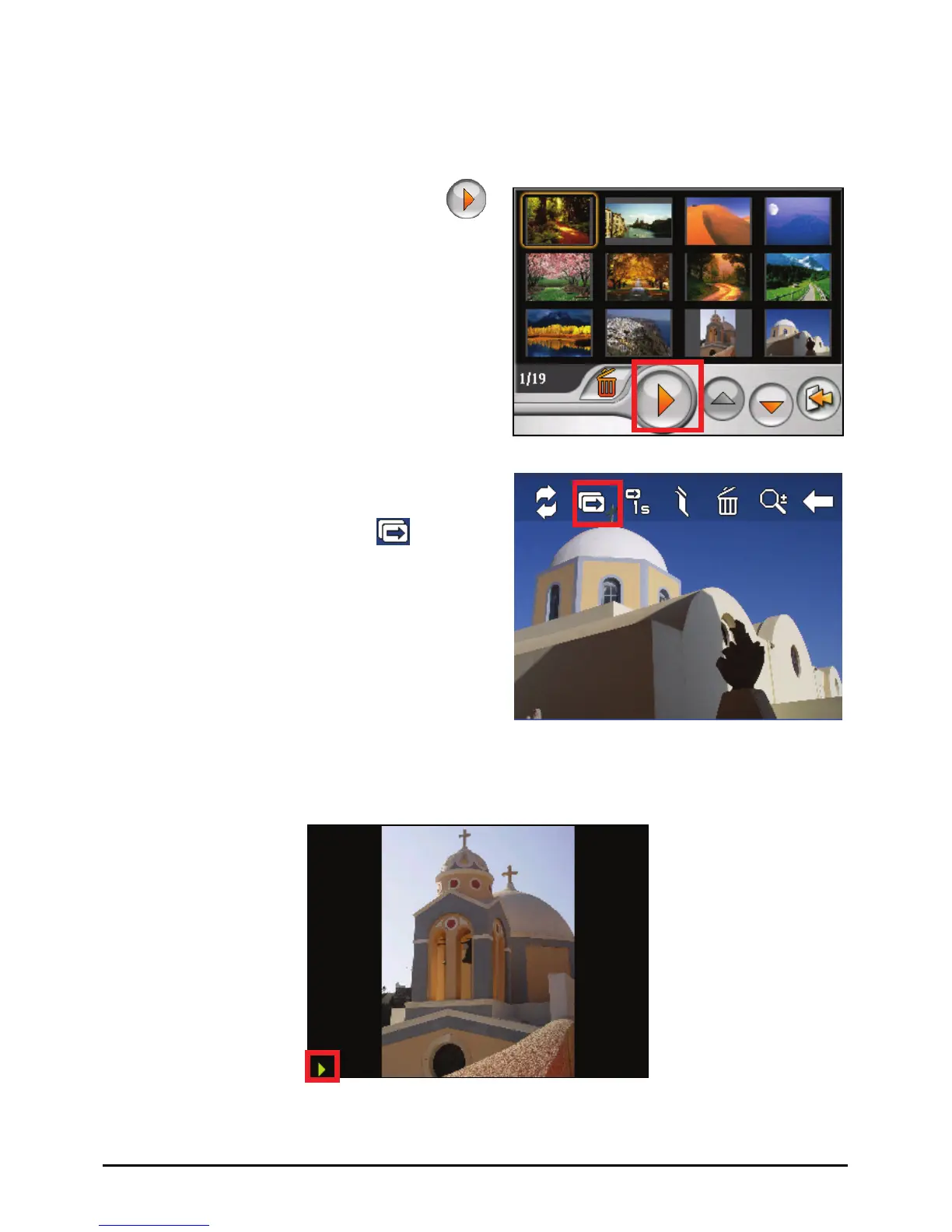
To view the slideshow of all your pictures, use one of the following ways:
z When in the thumbnail view, tap
to start the slideshow.
z When in full screen, tap anywhere on
the picture to display the on-screen
control buttons. Then tap
to start
the slideshow.
A small triangle at the lower left corner of the screen indicates that the slideshow
is on. To stop the slideshow, tap anywhere on the screen.
43



 To Next Page