Information Enables or disables the displaying of the name and date
of the file.
Delete Deletes the current picture.
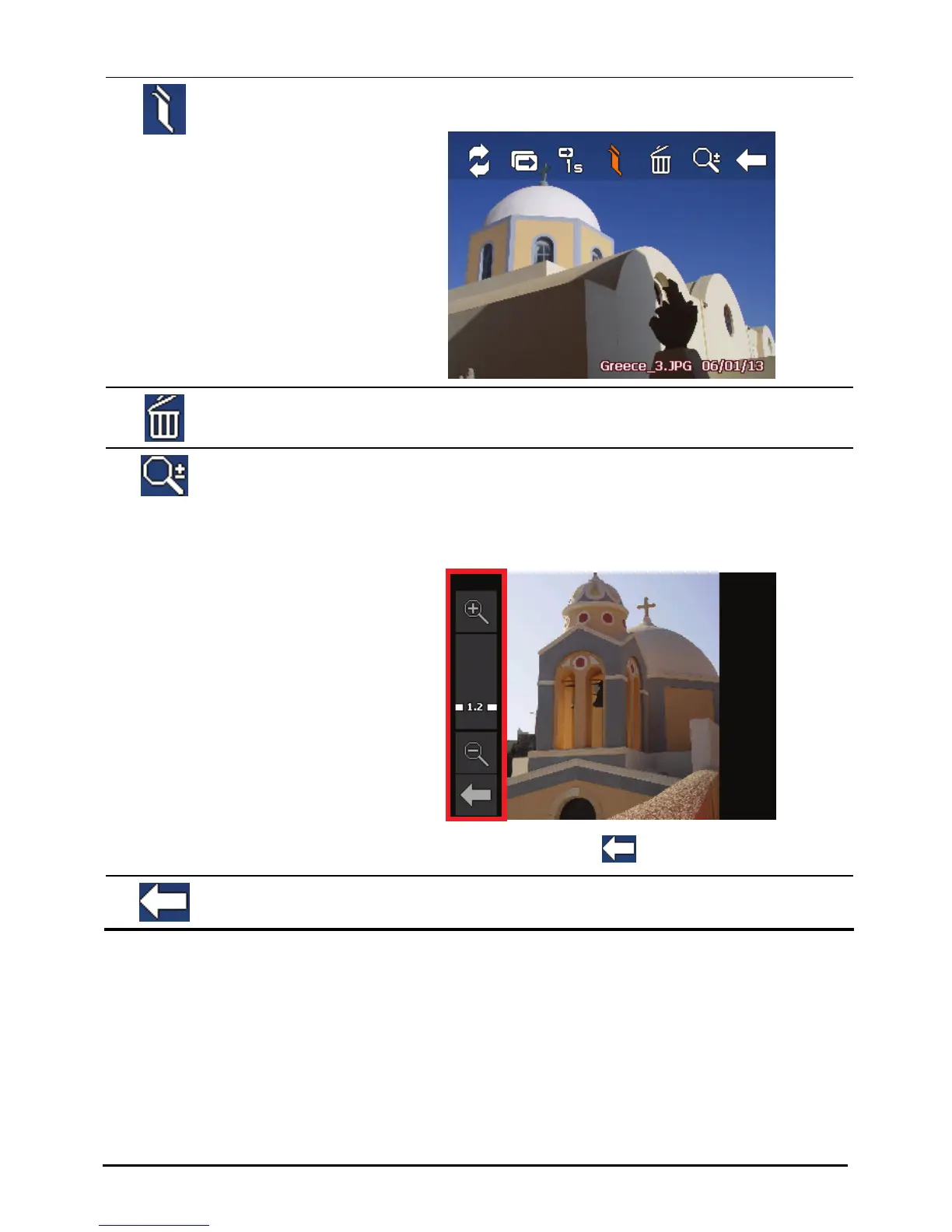
Zoom Opens the zoom bar.
Tap the button as many times as needed to zoom in to
1.2x, 1.5x, 1.8x, or 2.0x. When you have zoomed in the
picture, you can drag the picture to view other parts of
the picture.
To close the zoom bar, tap
.
Back
Goes back to the thumbnail view.
42



 To Next Page