6 Photo
6.1 Starting and Exiting Photo
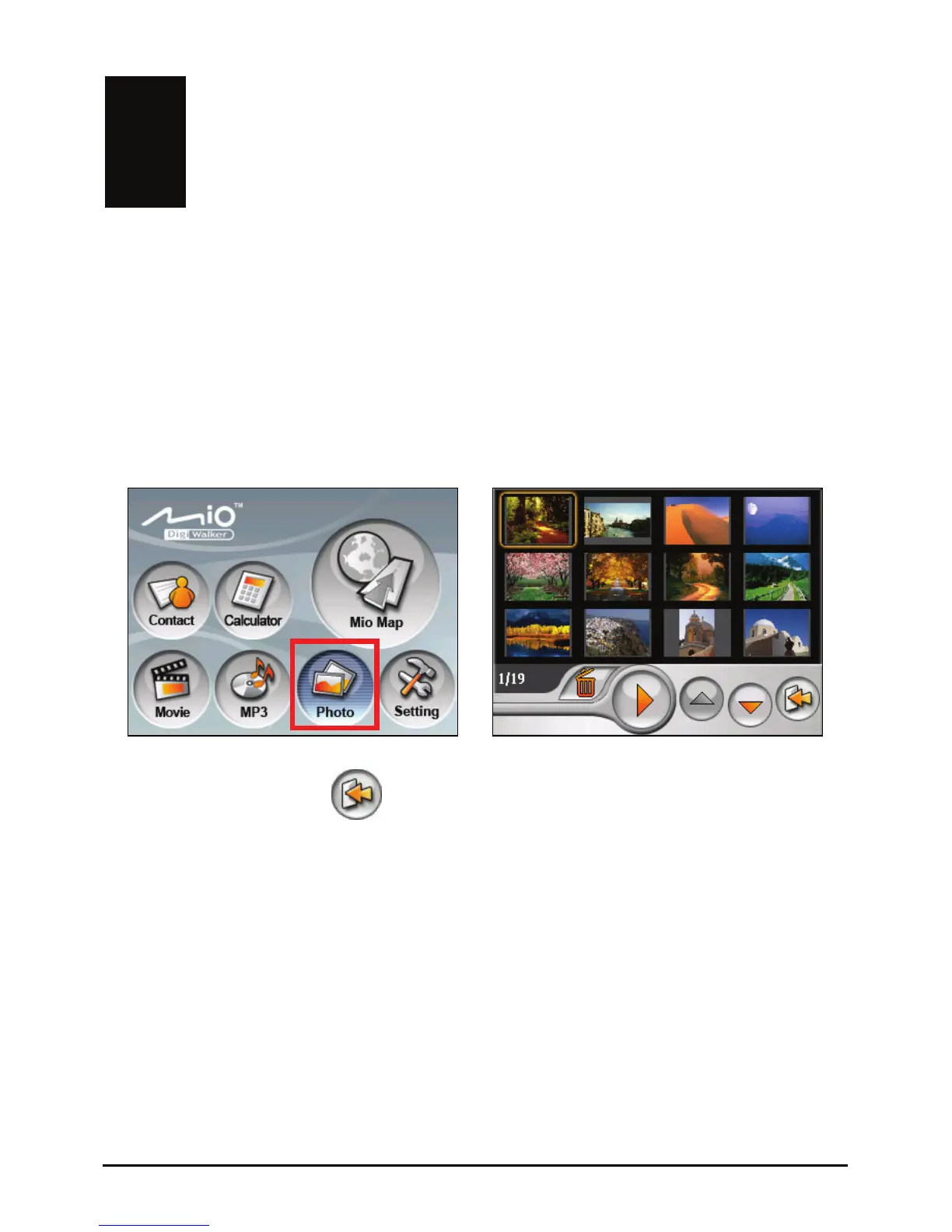
Photo allows you to view pictures in JPEG
slideshow of the pictures on your device.
, GIF and BMP formats and view the
Tap the
Photo button on the Home screen to start the program.
Æ
To exit the program, tap
.
6.2 Preparing the Pictures for Your Device
To view the pictures, have the picture files ready either on your device’s My
Flash Disk\My Picture folder or on a storage card.
Use ActiveSync supplied with your device to copy files from your computer to
the correct location. (See section 10.2 for information.)
39



 To Next Page