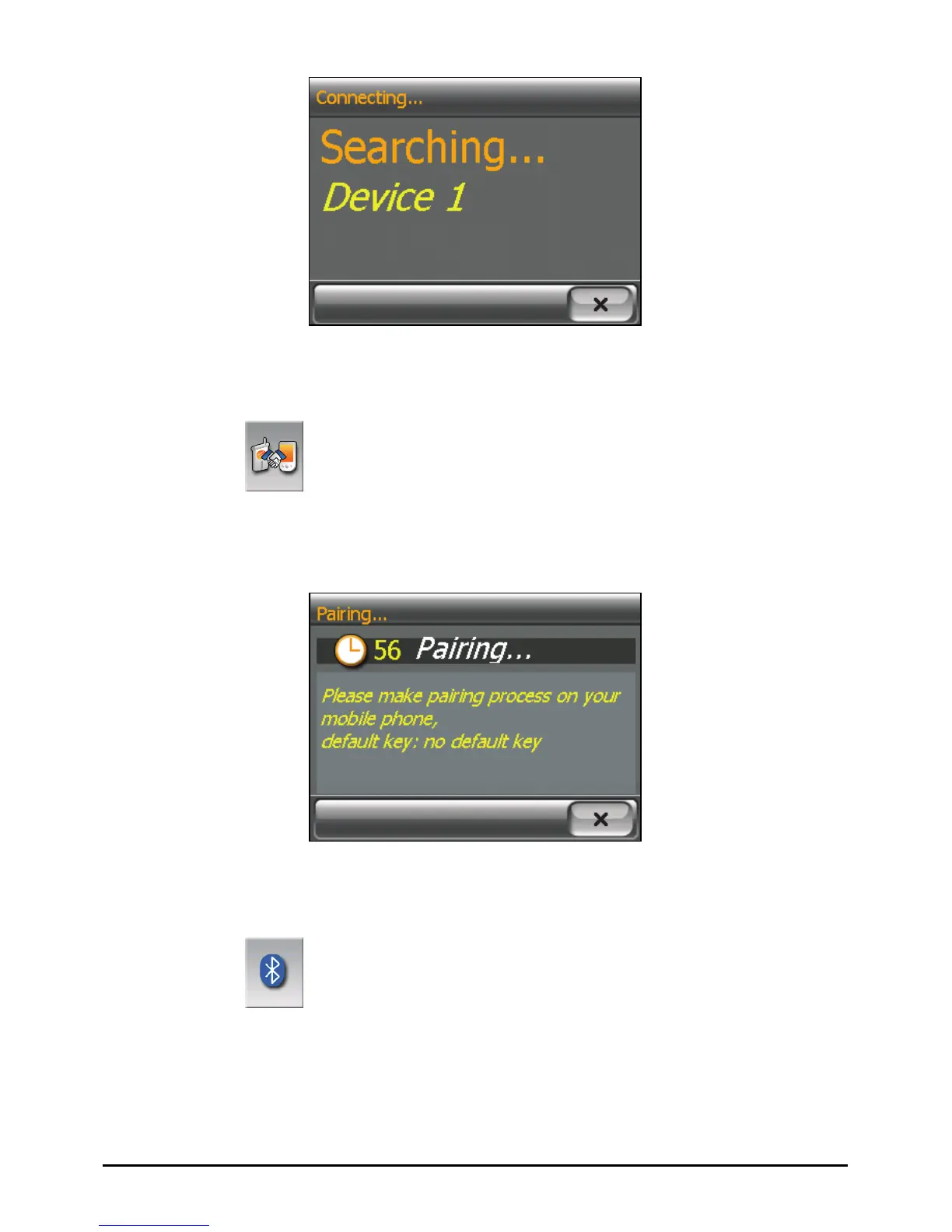
Pair Mode
By tapping the
Pair Mode button on the Dialer main screen, you can
manually set your device to Pair Mode. Within the duration of 60 seconds, you
can initiate the pairing process on your mobile phone to discover your device as a
car kit.
Others
By tapping the Others button on the Dialer main screen, you can run the
Bluetooth Manager program. (See Chapter 9 for information on Bluetooth
Manager.)
62



 To Next Page