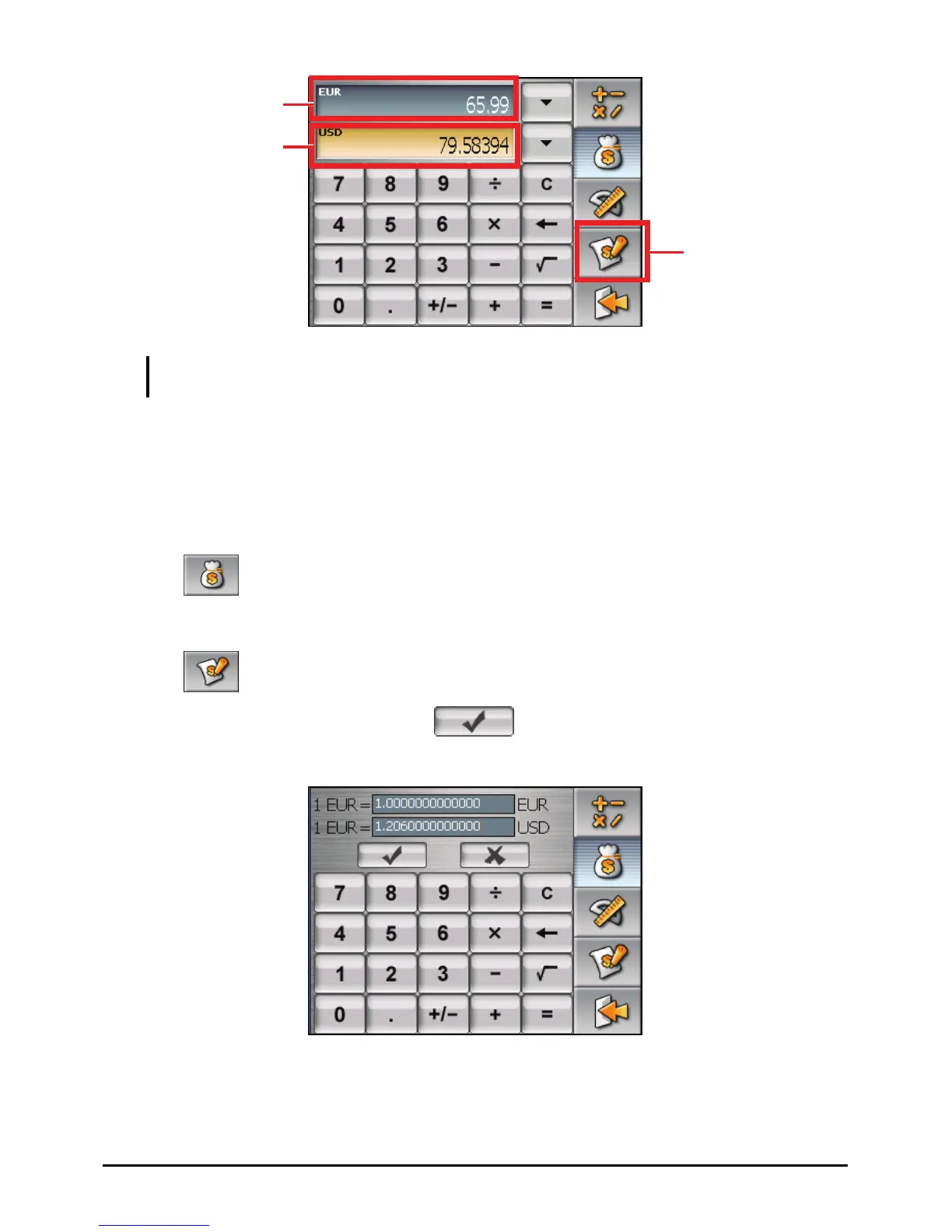
Input value
Output value
Tap to go to the
editing screen.
NOTE: The program uses the default exchange rates unless you change them. (See the
sub-section below for information.)
Editing Exchange Rate
Before performing the currency conversion, you can edit the exchange rate to the
most up-to-date one.
1. Tap
on the Calculator screen.
2. Select the source and target currency.
3. Tap
.
4. Enter the exchange rate and tap
to save the changes and go back to
the previous screen.
23



 To Next Page