8 Dialer
8.1 About Dialer
Dialer allows you to use your device as a hands-free device for a
Bluetooth-enabled mobile phone. You can tap your device to place and receive
phone calls instead of picking up the mobile phone.
8.2 Connecting a Bluetooth Mobile Phone
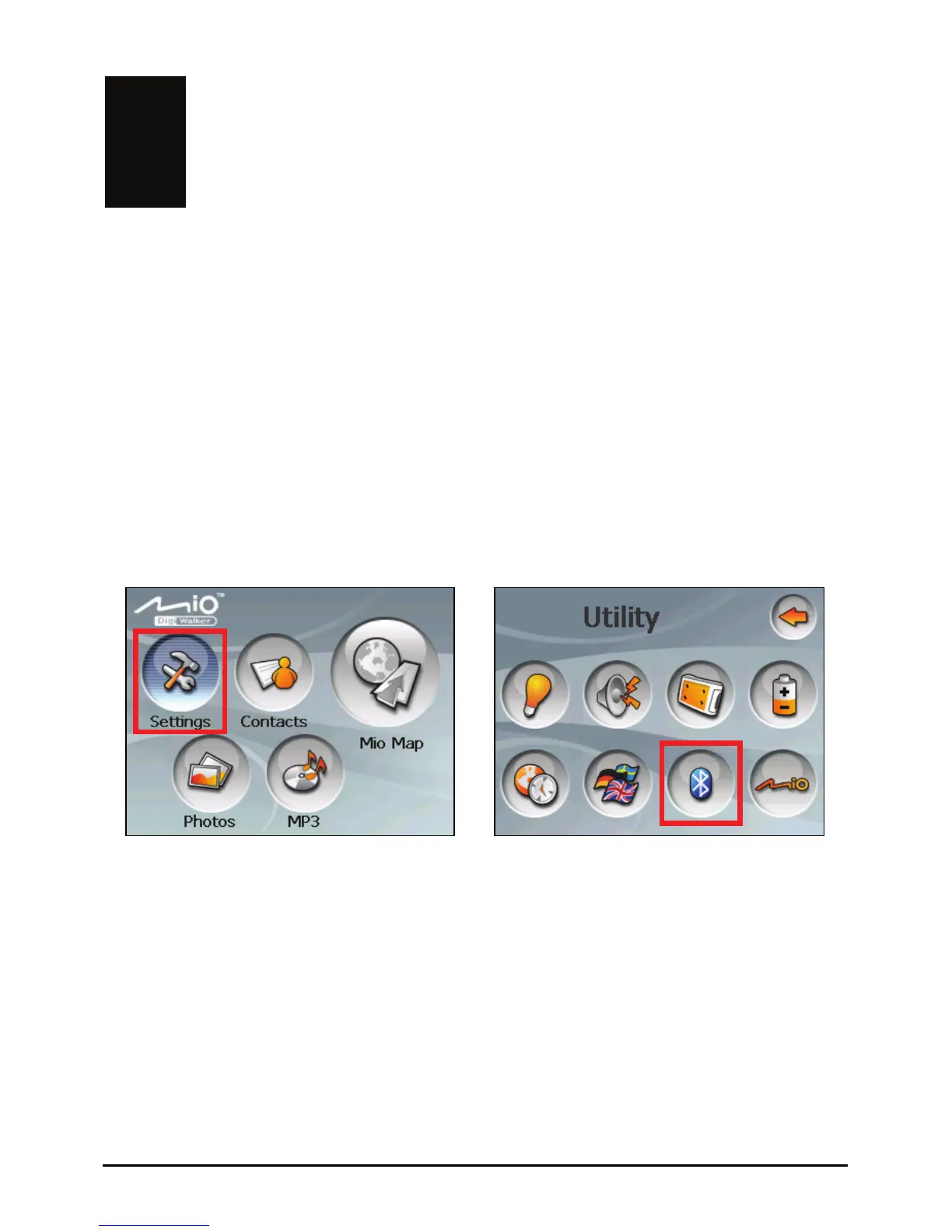
1. Tap the Settings button on the Home screen and then the Bluetooth button.
Æ
2. If this is the first time you use Bluetooth, your device will switch to Pair
Mode and wait for the pairing action from your mobile phone for 60 seconds.
The connection will be established as long as you initiate the pairing process
on your mobile phone within this period.
Your device will also connect the Bluetooth headset service, if available.
55



 To Next Page