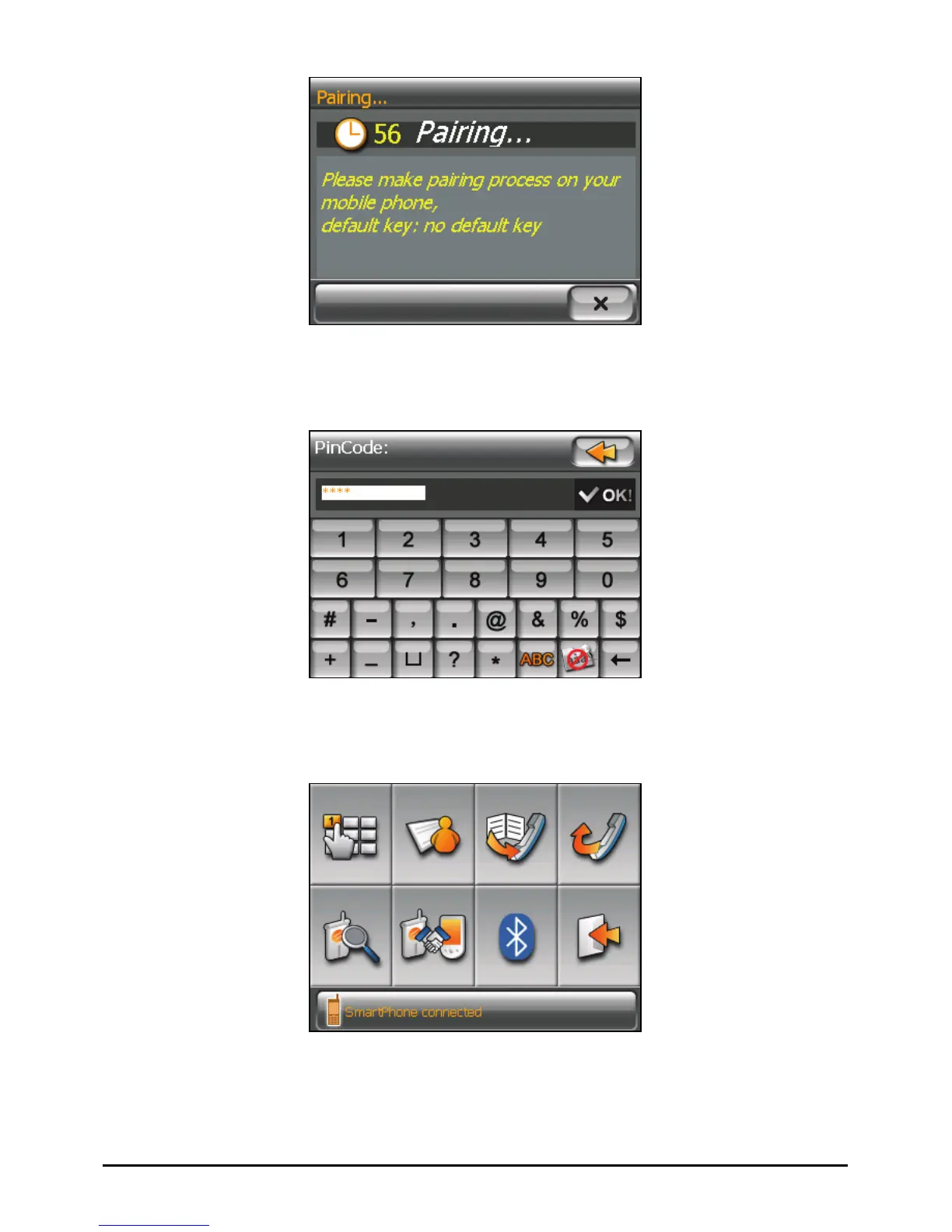
3. If prompted to enter the passkey, tap the passkey specified by the mobile
phone and tap
OK.
4. You will see the Dialer main screen after the pairing is completed. The status
bar at the bottom shows the name of the mobile phone connected.
The next time you run the Dialer program, your device will automatically search
and pair with one of the last connected mobile phones.
56



 To Next Page