2.4 Making a Phone Call to a Contact
NOTE: A Bluetooth mobile phone is required.
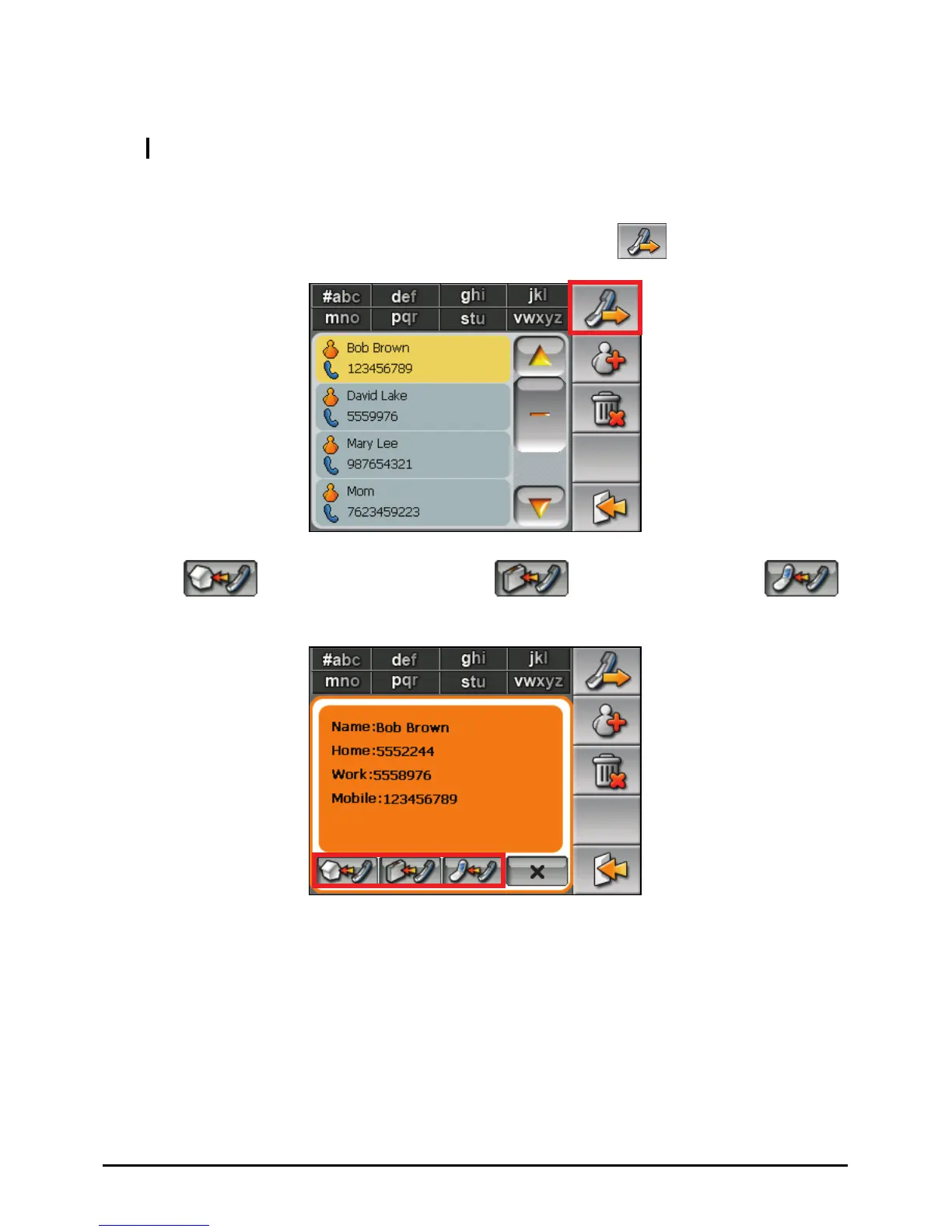
1. Tap the Contact button on the Home screen to start the program.
2. In the contact list, select the desired contact and tap
.
3. Tap
to call the home number, the work number, or
the mobile phone number.
4. The Dialer program starts. (See Chapter 8 for more information.)
15



 To Next Page