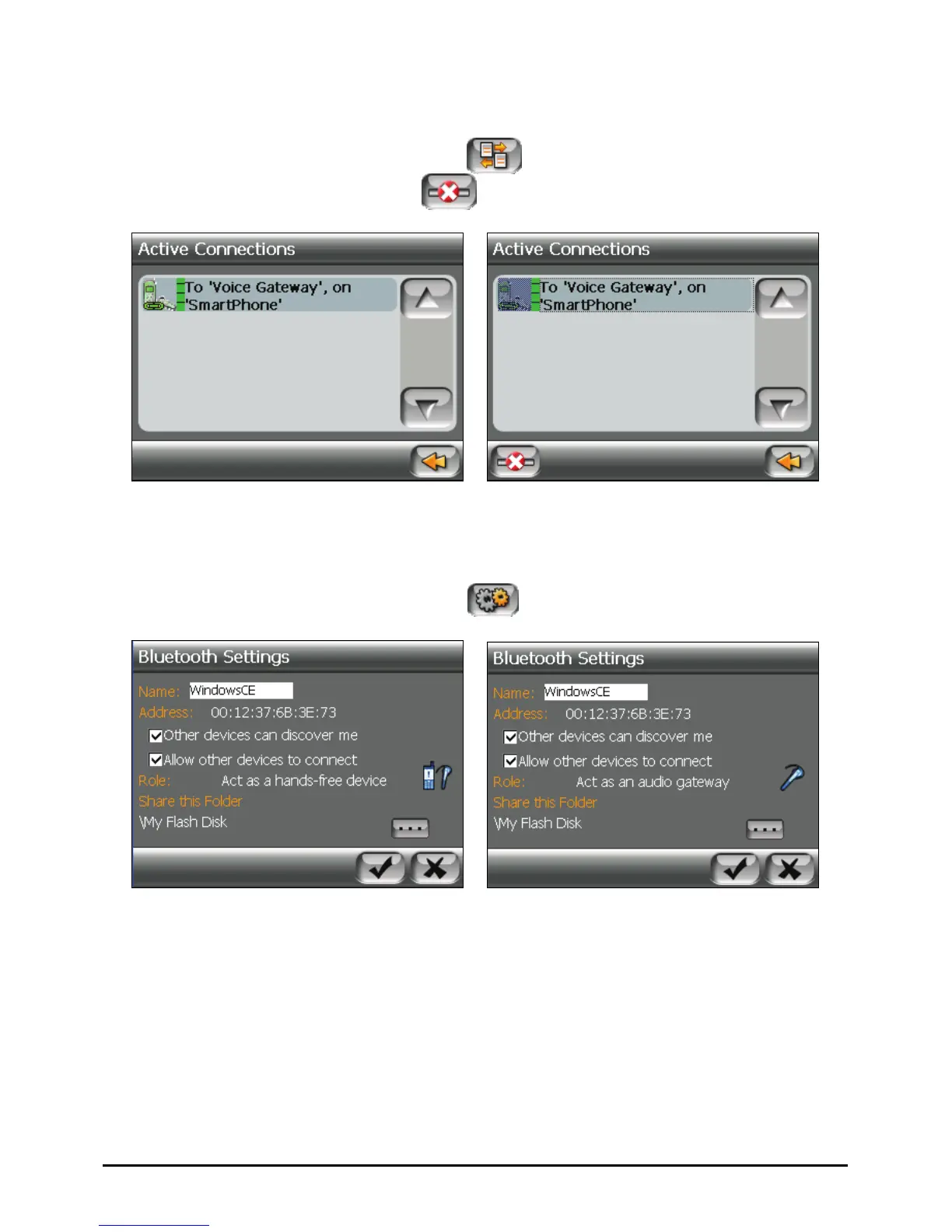
9.7 Viewing Active Connections
After starting Bluetooth Manager, tap to view the active connections.
After you tap an item, you can tap
to disconnect the selected device.
9.8 Configuring Bluetooth Settings
After starting Bluetooth Manager, tap to configure Bluetooth settings.
The available options are:
z Name
Allows you to edit the name of your device.
z Other devices can discover me
z Allow other devices to connect
72



 To Next Page