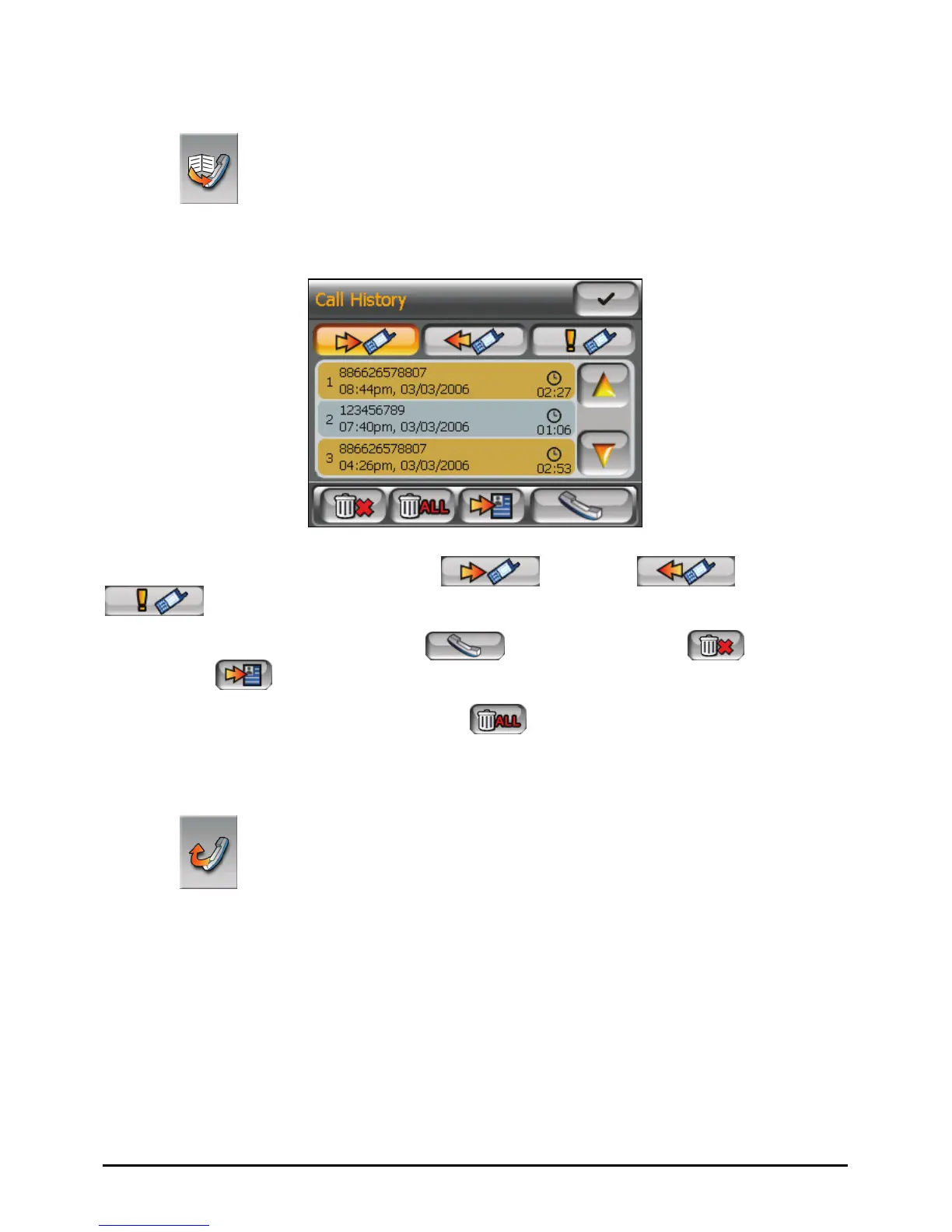
Call History
Tap the
Call History button on the Dialer main screen to display the recent
incoming, outgoing, or missed calls together with information such as date, time,
and duration of each call.
Tap the respective button (incoming
, outgoing , or missed
) to view the last 20 calls of the selected type.
With an item selected, you can tap
to dial the number,
to delete
the item, or
to save the phone number to Contact.
To clear all items in the current list, tap
.
Redial
Tap the
Redial button on the Dialer main screen to dial the last number you
called or received.
59



 To Next Page