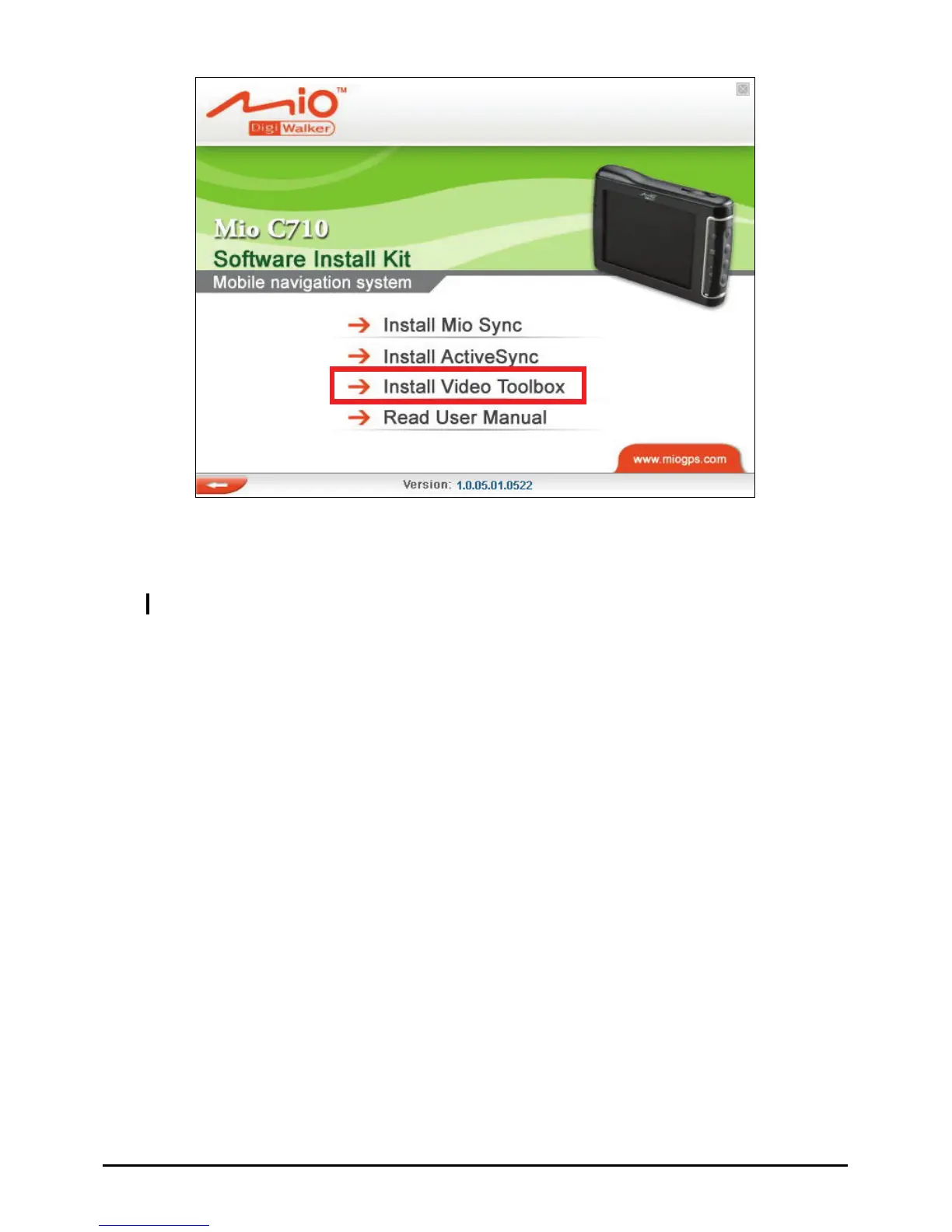
Using Video Toolbox to Convert Video Files
NOTE: For detailed information on using Video Toolbox, see the program’s online help.
Follow this p your device.
1.
me Edition
Æ
2. tput
rocedure to convert a video to the format supported by
On Windows desktop, click
Start Æ Programs Æ Video ToolBox 2.0 Ho
Video ToolBox 2.0 Home Edition
.
On the first screen, select
Default (MP4) or Improved (AVI) as the ou
format.
81



 To Next Page