10.3 Mio Sync
Mio Sync allows you to copy the Microsoft Outlook Contact information fro
r computer to your device
m
you .
Ins
1. Turn on ROM
drive
2.
talling Mio Sync
your computer and insert the Application CD into the CD-
of your computer.
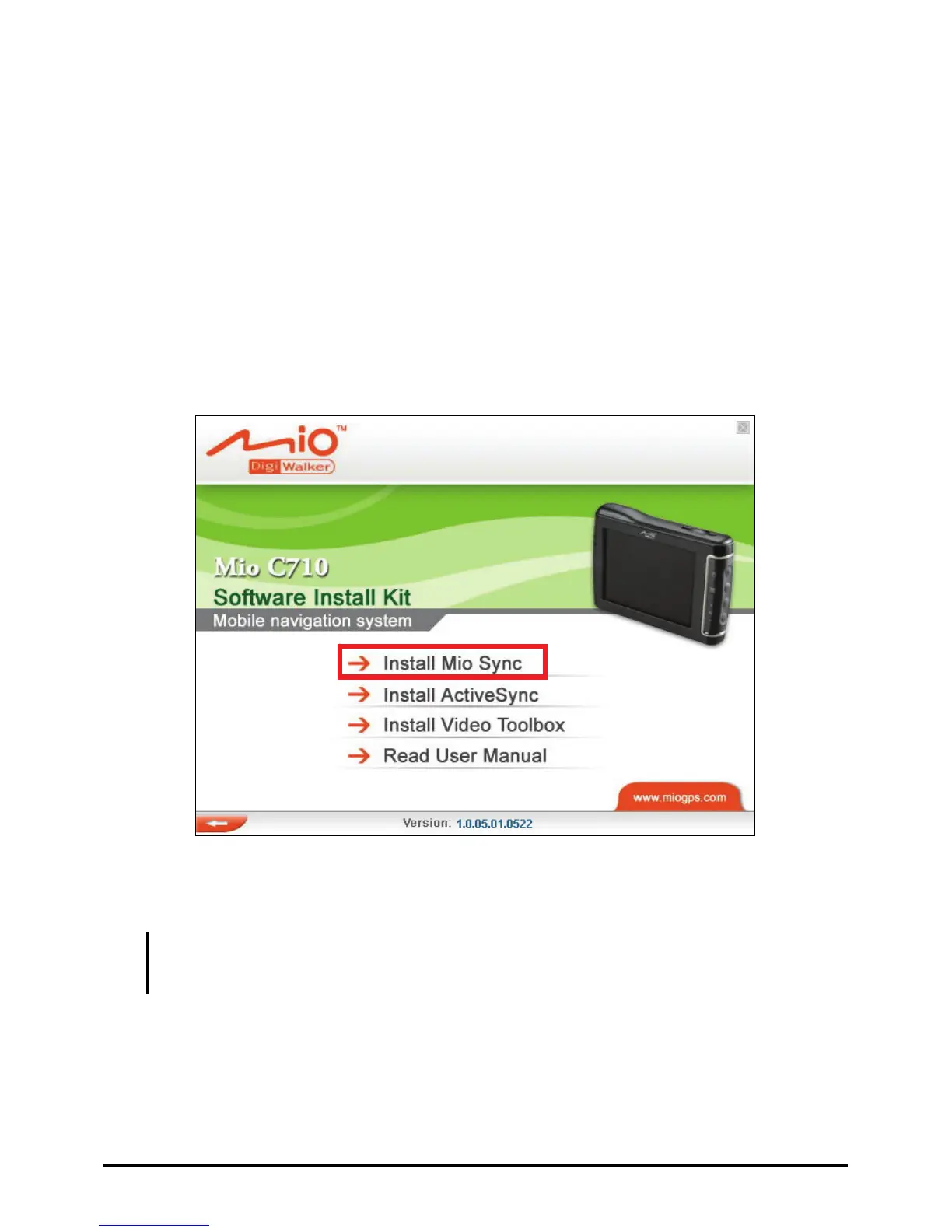
The autorun screen should appear. Select
Install Mio Sync and follow the
onscreen instructions to finish the installation.
Using Mio Sync
CAUTION:
z Make sure that ActivcSync is installed before using Mio Sync.
z Mio Sync supports Microsoft Outlook 2000 and later versions only.
your
device to your computer via the USB cable. Make sure that
s up and running.
To copy Microsoft Outlook Contact information from your computer to
device:
1. Connect your
ActiveSync i
79



 To Next Page