2 Contact
2.1 Starting and Exiting Contact
Contact allows you to keep a list of names, addresses, and phone numbers.
NOTE: If you have created Microsoft Outlook Contact information on your computer, you
can copy the information to your device. (See section 10.3 for information.)
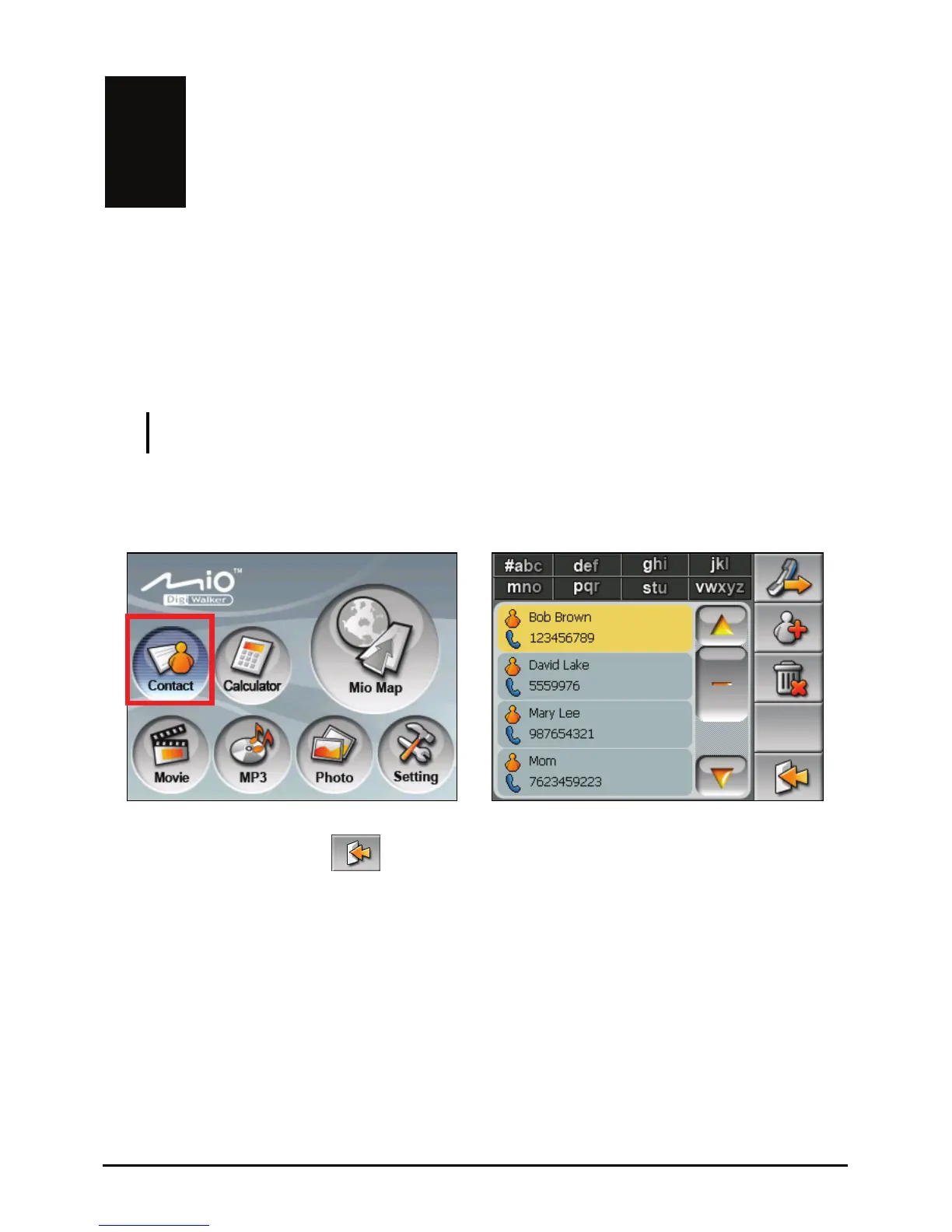
Tap the C button on the Home screen to start the program. The contact list ontact
appears.
Æ
To exit the program, tap
.
13



 To Next Page