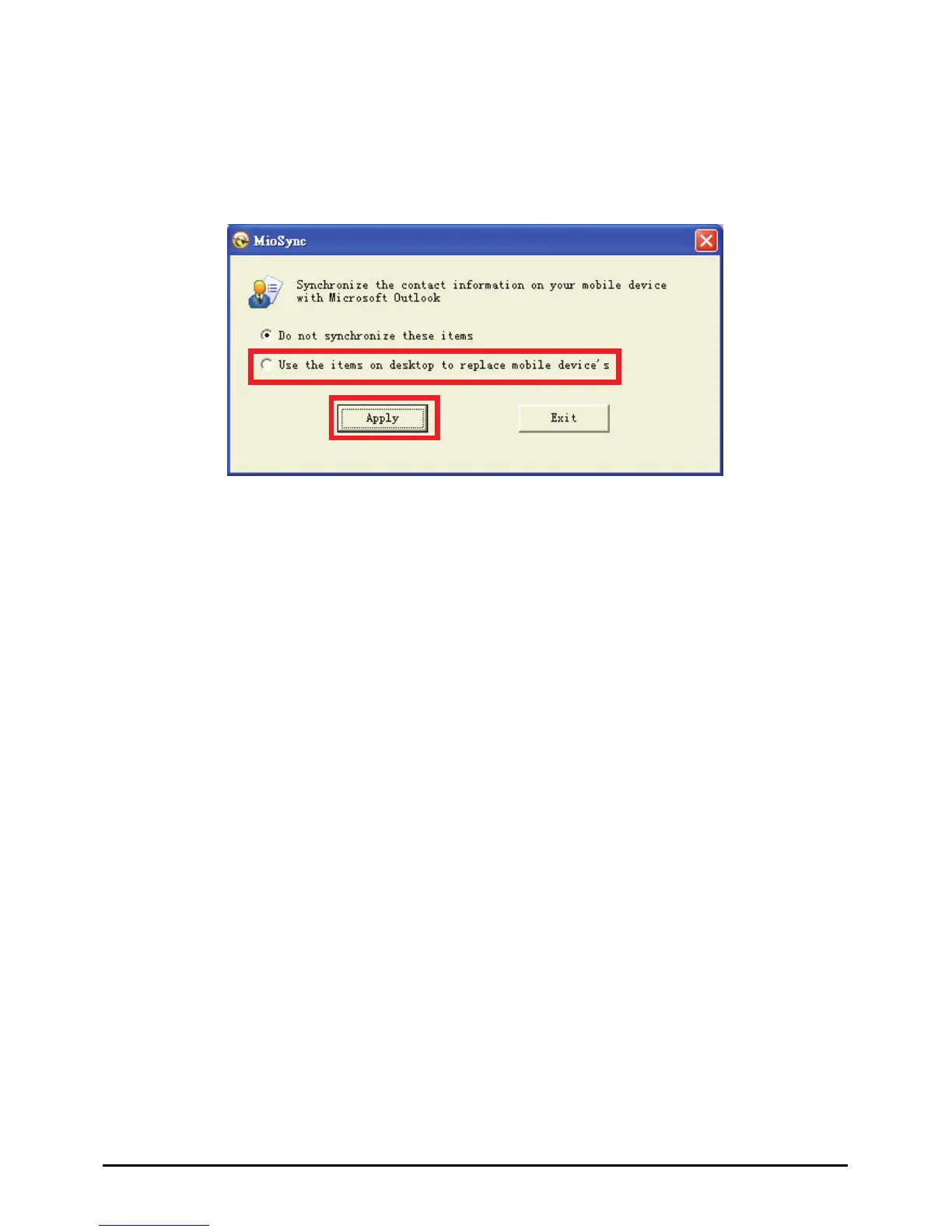
2. On Windows c.
3. Click
4. Click
desktop, click Start Æ Programs Æ Mio Sync Æ MioSyn
Use the items on desktop to replace mobile device’s
.
Apply.
spec atch the video on your device.
Ins
1. Turn on ROM
drive
2. low the
10.4 Video Toolbox
Video Toolbox allows you to capture and edit video clips and output them to a
ific format so you can w
talling Video Toolbox
your computer and insert the Application CD into the CD-
of your computer.
The autorun screen should appear. Select
Install Video Toolbox and fol
onscreen instructions to finish the installation.
80



 To Next Page