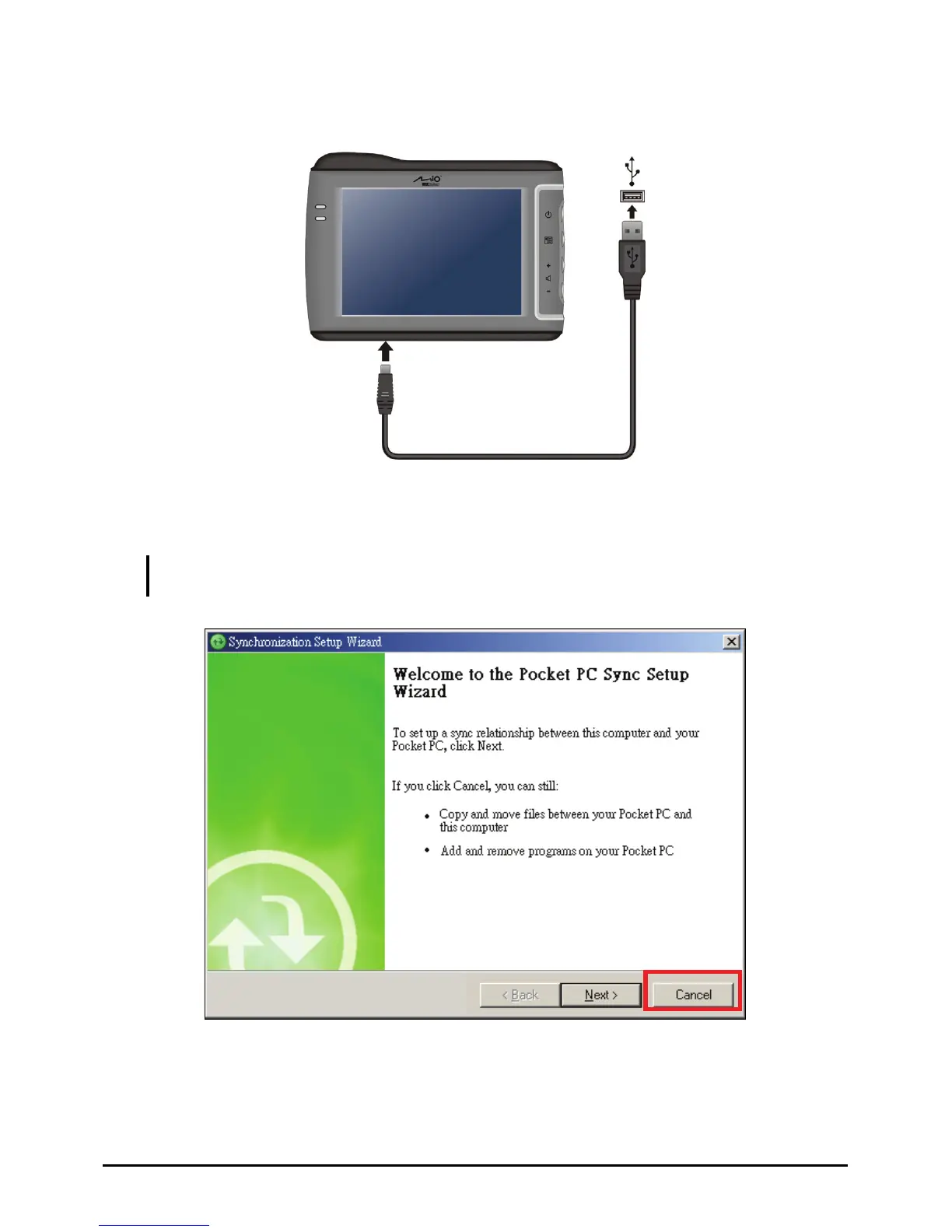
4. When prom nd of the USB cable to the bottom of
your device and the ot mputer.
pted, connect the mini-USB e
her end to a USB port on your co
5. W
connect as a
NOTE: t need to
hen the Synchronization Setup Wizard screen appears, select
Cancel to
guest device.
This device does not support synchronization with your computer. You do no
set up a synchronization relationship.
77



 To Next Page