Description of the terminal
5
Note: after input timeout in the terminal configuration menu (Voir “Setting the display”,
page 59., the screen changes to power-saving mode. In this case, a frame moves on the
screen, showing time and date only. Pressing any key reactivates the full screen display.
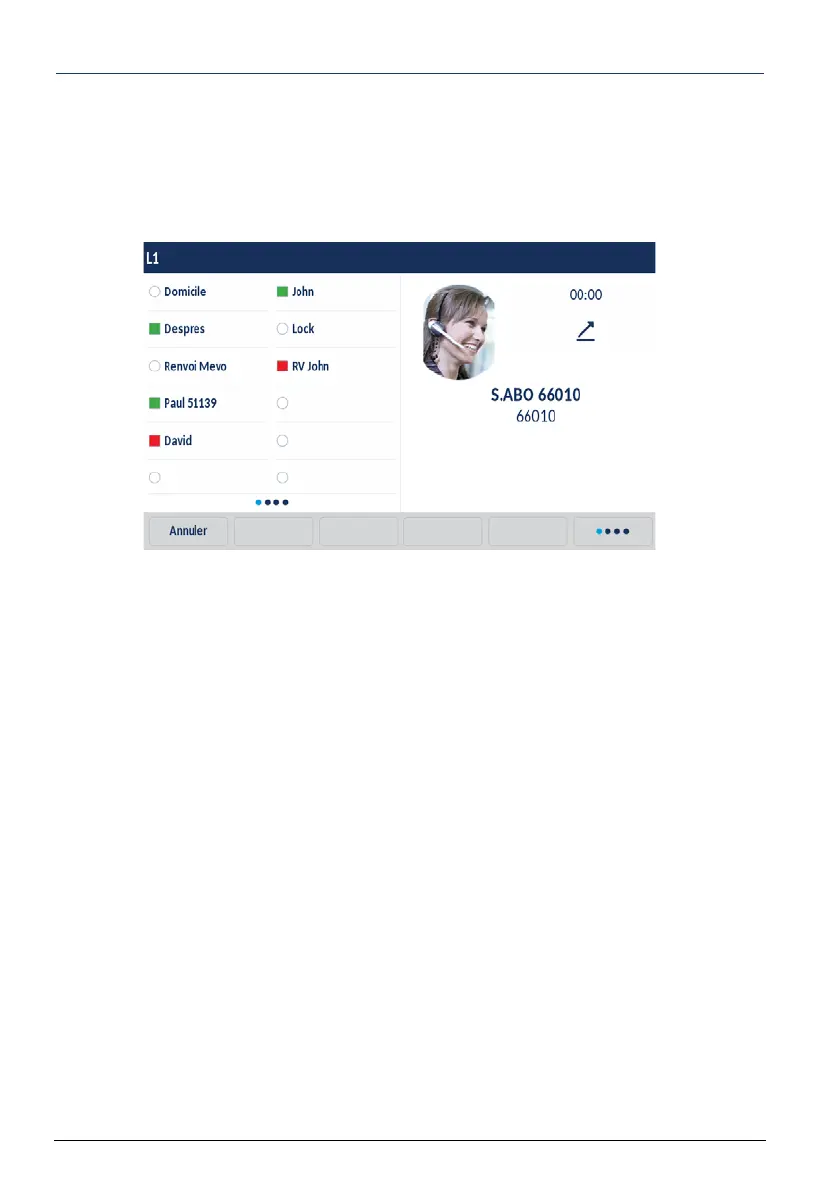
During a call, the screen also indicates:
• The correspondent’s name and/or number
• His/her picture if applicable
• The time that has passed since the call was started
• If applicable, the audio quality level and/or a small padlock, meaning that the call is
encrypted
• The name of the functions accessible through context-sensitive keys. A series of dots
associated with a context-sensitive key indicate that other functions are available by
pressing this key.



 To Next Page