Description of the terminal
6
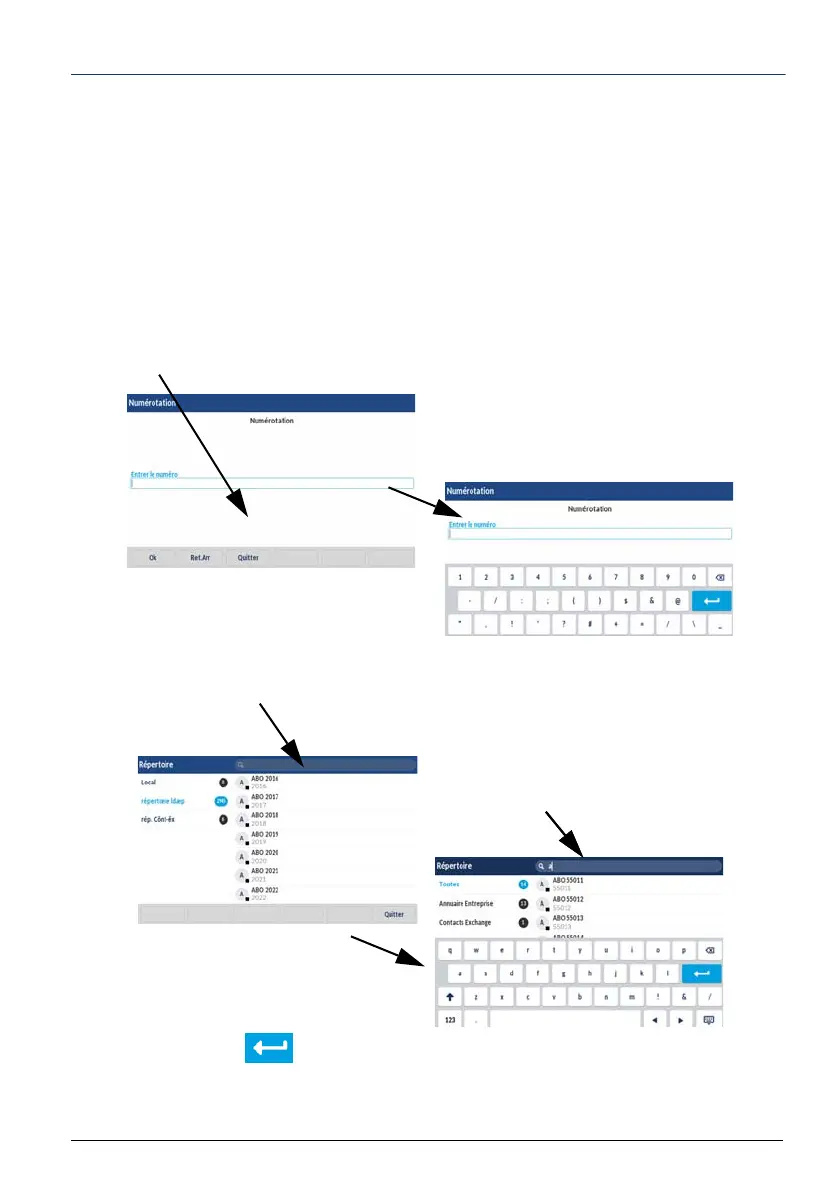
The context-sensitive alphabetic and numeric keypad
This keypad is displayed when it is necessary to enter an alphabetic and/or numeric value
in a field.
Press the field in question to display this keypad.
This keypad is either displayed automatically on certain contexts or by clicking on the field
in question.
Examples:
During dialling :
Press the search area with your finger.
During a search :
Press the search area with your finger.
Validate by pressing
The context-sensitive keypad is dis-
played.
Enter the value then validate.
Enter the character string.



 To Next Page