Call modes
10
Switching from handset mode to hands-free mode
You are discussing in handset mode:
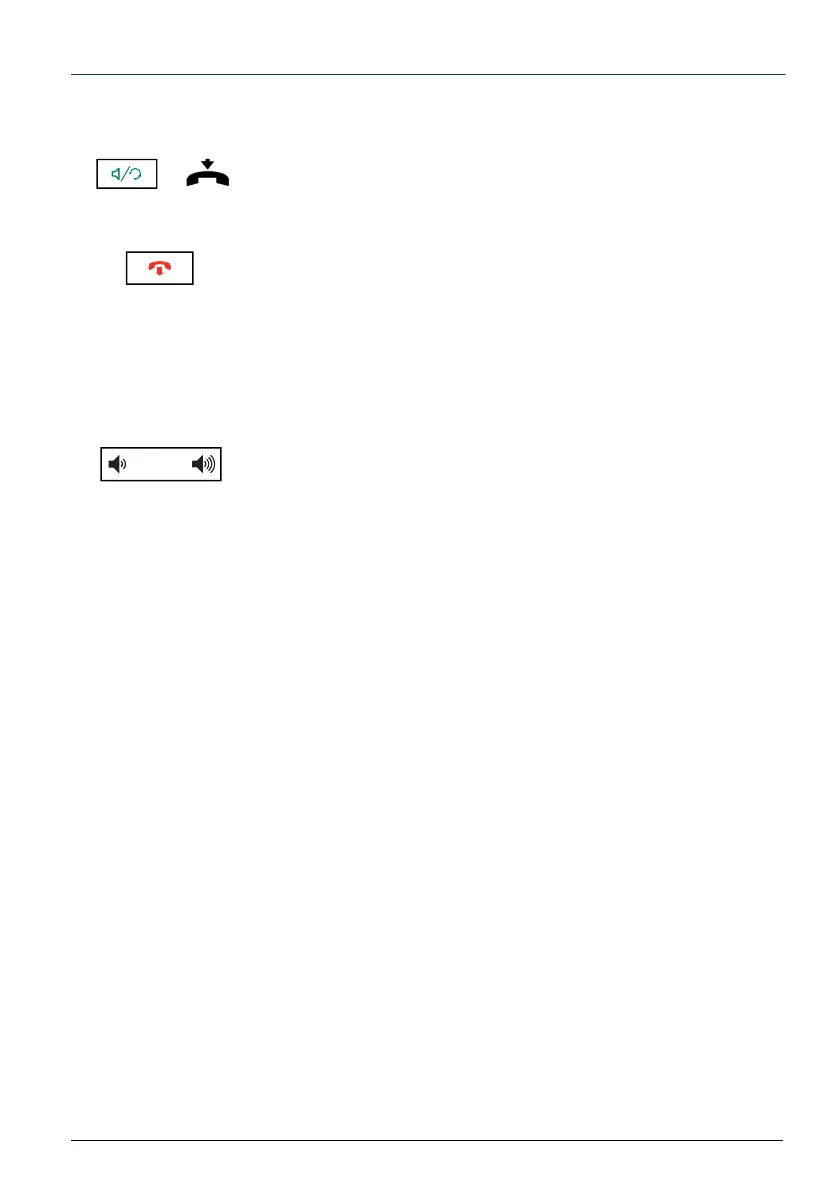
• Press the handsfree key then hang up.
-> The conversation continues in handsfree mode. The
handsfree key indicator light goes on.
At the end of the conversation, press the End key.
Adjusting the listening volume level
No matter the mode used (handset mode, handsfree mode, or
headset mode), the listening volume is adjustable (8 levels). The
setting is memorised.
To reduce the volume:
• Press the left volume-adjustment key.
To increase the volume:
• Press the right volume-adjustment key.



 To Next Page