23
Call logs
Four lists are available in the Call logs menu:
• Missed calls log: unanswered calls
• Incoming calls log: answered calls
• Outgoing calls log: calls made
• All calls: all incoming and outgoing calls.
You can automatically call back a stored number while viewing a log. You can delete a re-
cord or all the records stored.
When the log is full, a new call will erase the oldest. When a call is repeated several times,
only the last one is stored.
Quick access
• Press this key to directly access the Outgoing calls log.
• Press this key to directly access the Missed calls log.
Viewing a call log
Press the context-sensitive Menu key then select Calls log by pressing Select.
• Select the log to view then press Select to confirm.
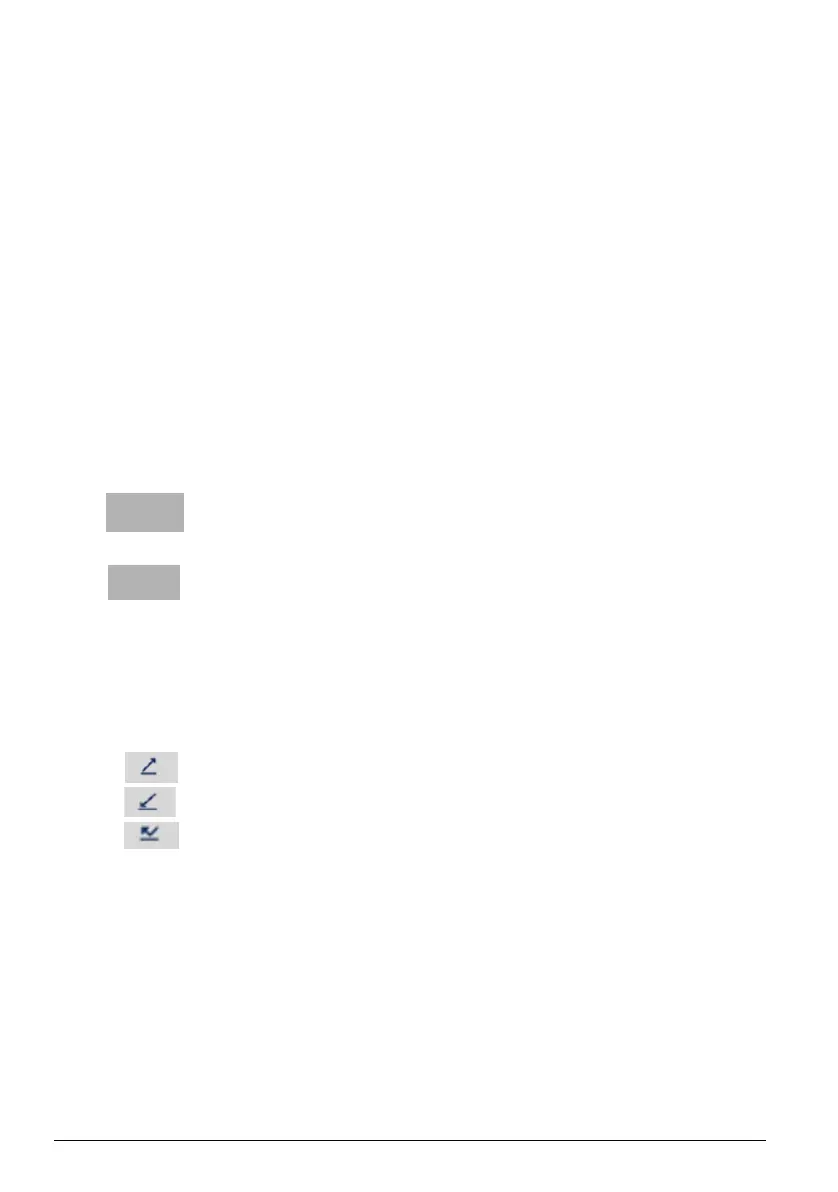
In the complete log, calls are identified by any of these symbols:
• Outgoing call
• Incoming call
• Missed call.
The following is displayed in each of them:
• Time of call (HH:MM), for calls made on the same day
• Date of call (JJ MM), for previous calls
• Caller or called-party ID
You can see the details of the record by pressing Details.
Remarque : On a multi-line terminal, the line concerned by the
call is indicated in the details.
The missed calls log



 To Next Page