Mobile Intégration
50
Lift the handset or press the ,key, blinking Bluetooth Line key, or
Answer softkey for handsfree operation.
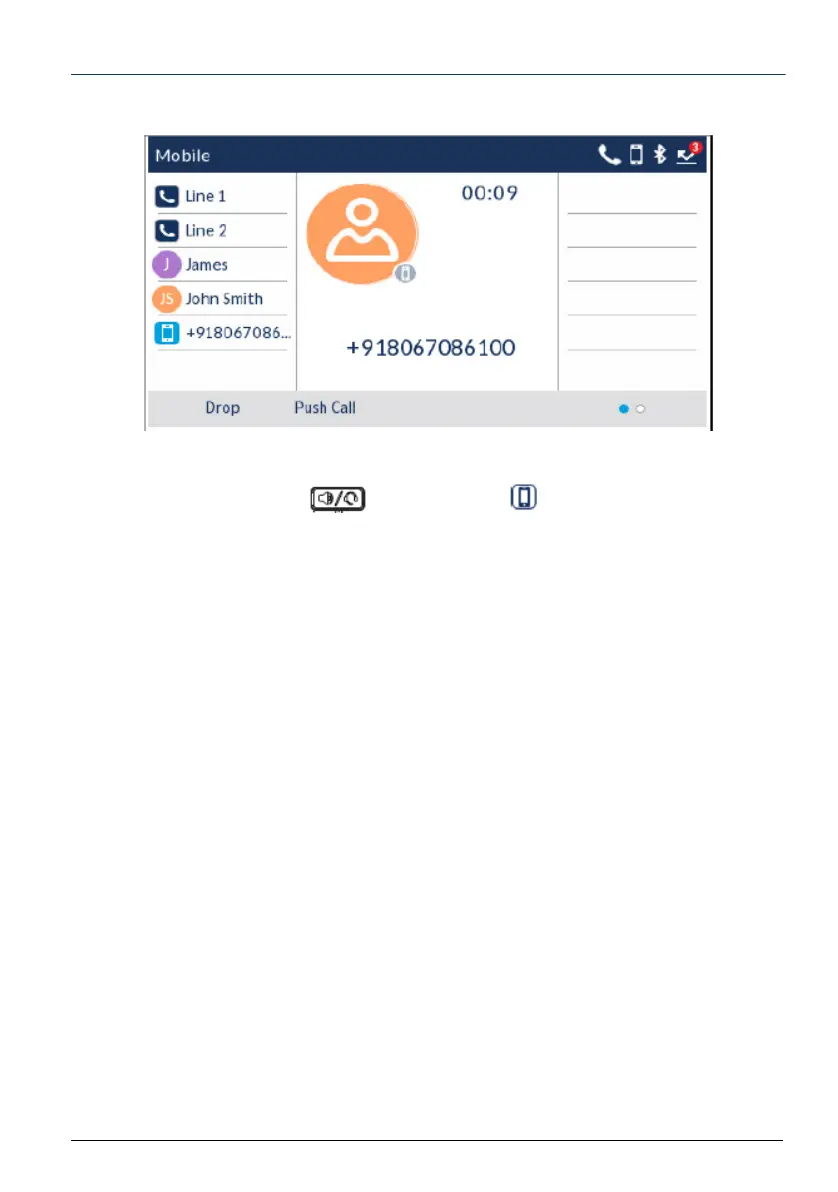
Press the Push call softkey to push the mobile call’s audio from your Mitel 69406940 SIP
Phone to your mobile phone
or
Press the Mobile softkey to pull the mobile call’s audio from your mobile phone to the Mitel
6940 SIP Phone.



 To Next Page