1.3.12
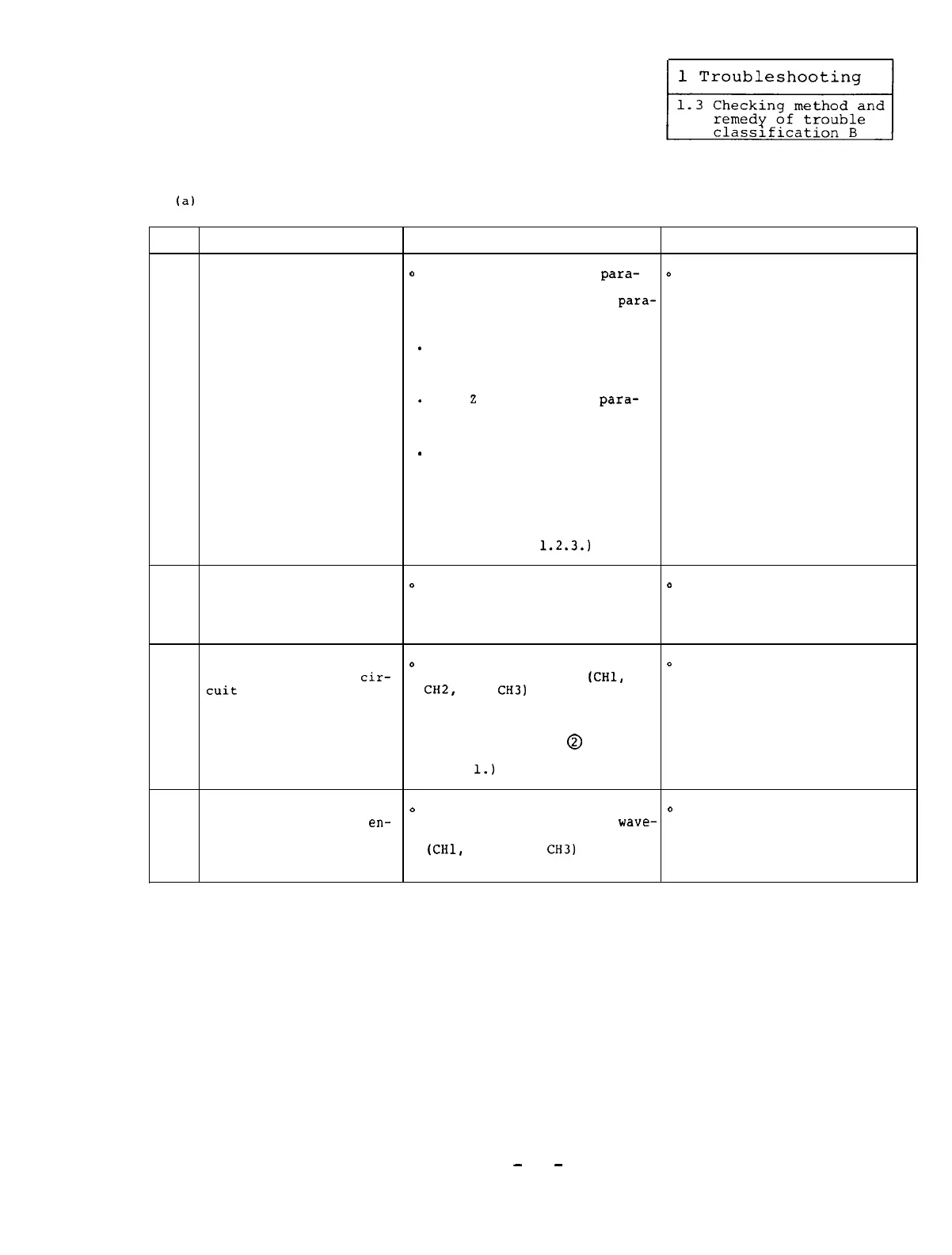
The tapping operation cannot be correctly performed.
(a)
In case of synchronous tapping:
Item Cause Check Remedy
The parameter relating
0
Compare the following
para-
o
Correctly set the parameter
to the synchronous
meters which are set on the
values.
tapping is incorrectly
NC CRT display with the
para-
set.
meter list on the machine and
check them.
-
Fundamental specification
parameter:
.
Axis
2
specification
para-
1
meter:
.
Spindle parameters:
(See Reference
1.2.3.)
The spindle speed is
o
Compare the S command of the
o
Decrease the value of the
2
high.
machining program with the S command of the machining
speed being set by the program.
machine manufacturer.
The spindle orientation
o
Check that the waveforms at
o
Replace the detector or
encoder or printed
cir-
the check terminals
(CHl,
printed circuit board with
cuit
board (SF-TL card)
CH2,
and
CH3)
on the SF-TL
a new one.
is defective.
card are normal.
(See Section 2.4.2 or
3
(See the instructions for
2.4.3.)
checking waveforms in the
case of encoder
@
as des-
cribed in Section 1.3.9(b)
Item
1.)
The cable between the
o
In the same manner as the
o
Replace the cable with a new
spindle orientation
en-
Item 3 above,
check the
wave-
one.
4
coder and the amplifier
forms at the check terminals
is defective.
(CHl,
CH2,
and
CH3)
on the
SF-TL card.
-
55
-


 To Next Page
 Loading...