647C 3. Functionality
3.6.2 The SIGNALS menu
MGC 647C V3.0
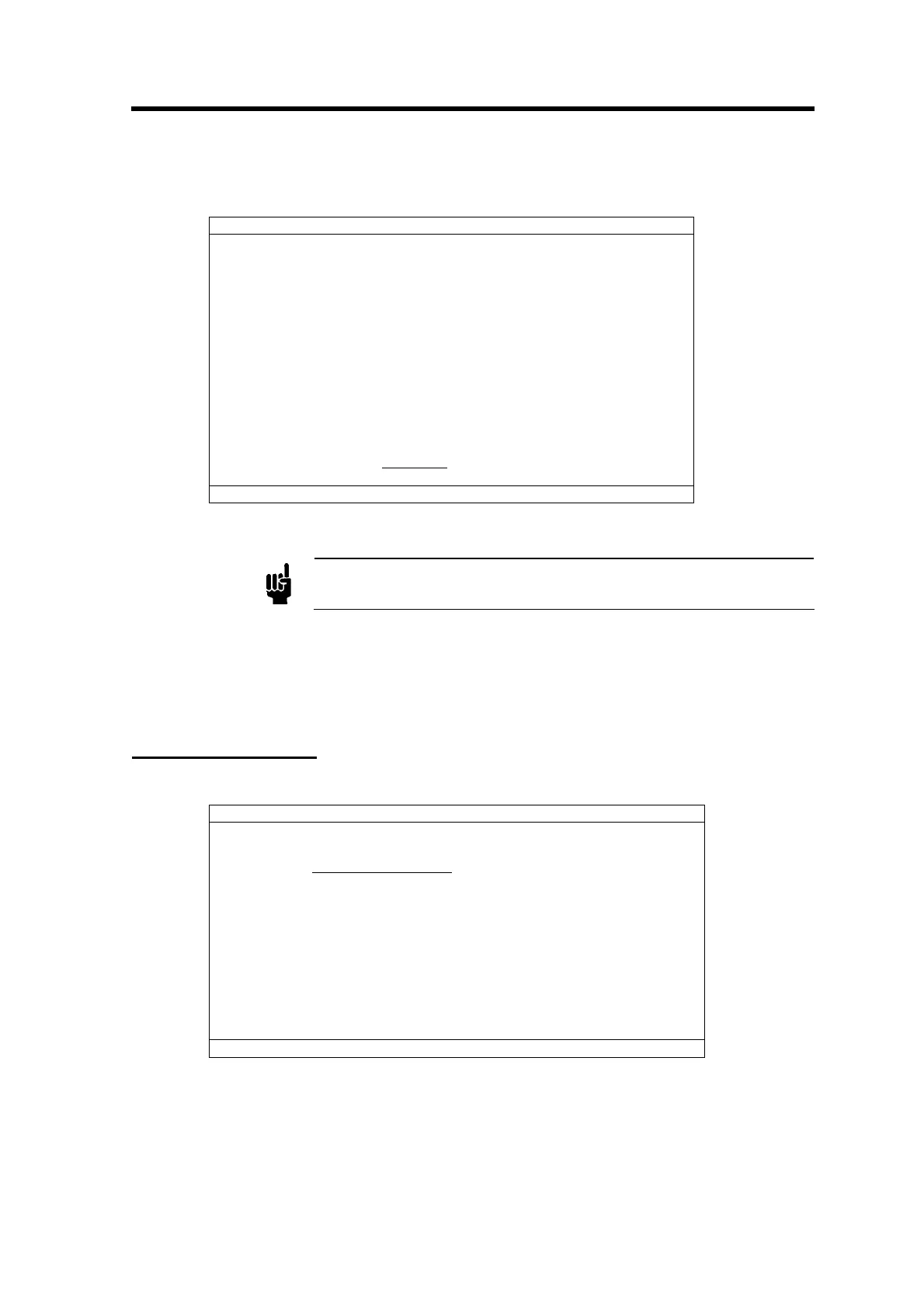
OUTPUT INPUT EXTERN
CH1 -00250 -0250 -0250
CH2 001746 01746 01746
CH3 005002 05002 05002
CH4 -00500 -0500 -0500
CH5 -00500 -0500 -0500
CH6 -00500 -0500 -0500
CH7 -00500 -0500 -0500
CH8 -00500 -0500 -0500
PRES -00250 -0015
PCS -0250
SIGNAL PROCESSING
RUNNING
00 ERRORS FLOW ON INPUT DIRECT
Figure 12
Attention
When stopping signal processing the process is also stopped.
This menu is designed for test and maintenance purposes only. It displays all signals of the
interface to the process. The display unit is mV. It is possible to enter setpoints in mV directly, if the
signal processing is stopped. If you leave the signals menu then signal processing is restarted.
This avoids problems concerning general 647C usage.
3.7 Instrument Setup
MGC 647C V3.0
(1) RANGE SELECTION
(2) GAS SELECTION
(3) MODE SELECTION
(4) ZERO ADJUST
(5) TRIP LIMITS
(6) GAS COMPOSITION
00 ERRORS FLOW ON INPUT DIRECT
Figure 13
The instrument setup contains all parameters which are related to the process.
21



 To Next Page