EVASystemUserManual
No.10LB038
Rev.04
Page38of86
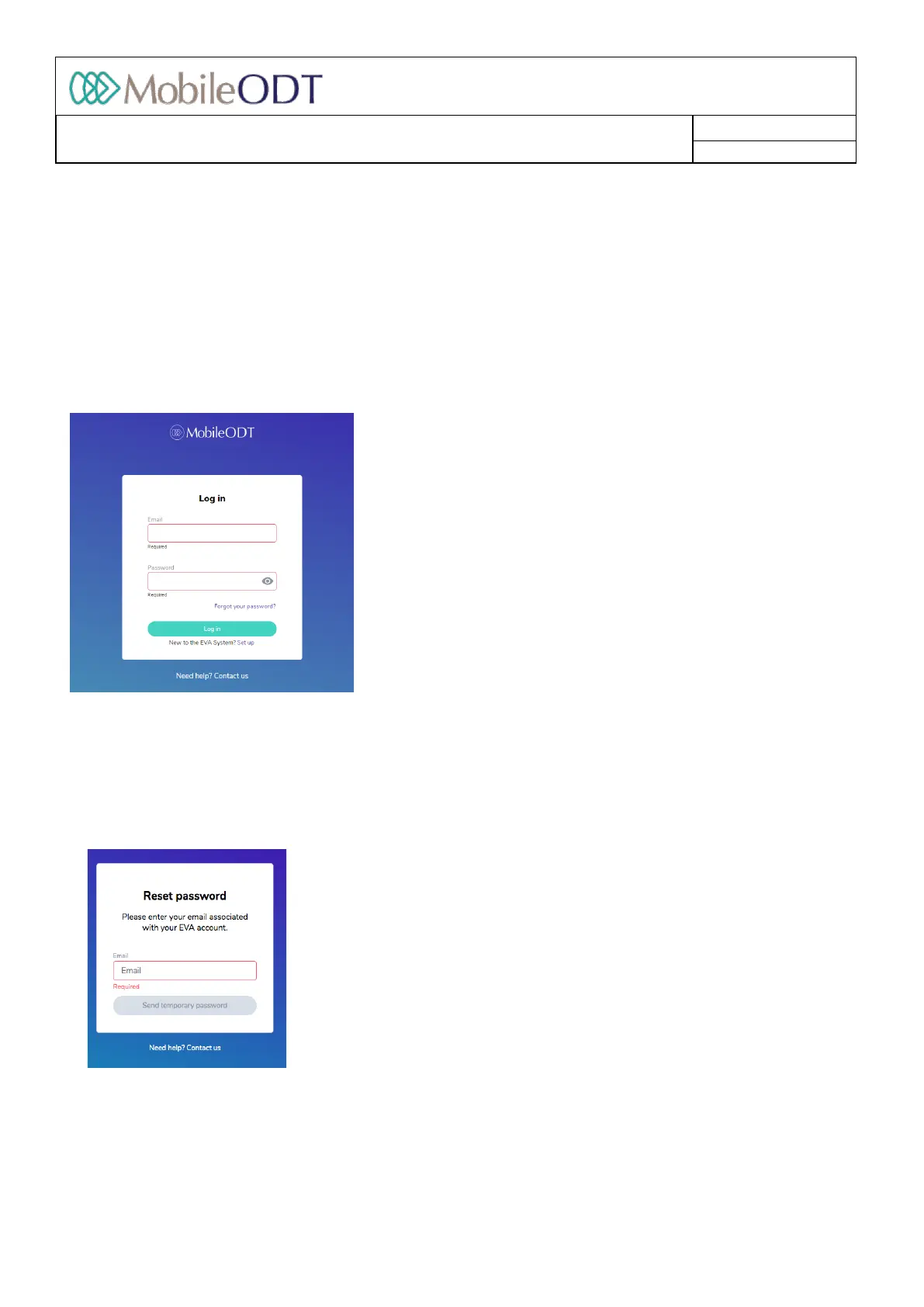
10.3.2. EntertheemailandpasswordfortheEVASystem(thesameusedintheEVAdevicetocreateyourEVA
account).
10.4. Forgotpassword
10.4.1. Click“Forgotpassword?”onthewelcomescreen
10.4.2. EntertheemailaddressassociatedwithyourEVAaccount
10.4.3. Anemailwillbesenttotheemailenteredwithatemporarypassword
10.4.4. Enterthetemporarypasswordandcreateanewone,thenenteritonceagain
Doc ID: 4baaf484d7f5f01d2b8e5dc0fedc637256236abe



 To Next Page