EVASystemUserManual
No.10LB038
Rev.04
Page59of86
11.11.7. Youcanalsocaptureimageswithouttouchingthedevicescreen.Todothat:movethehandinahifive
motiontowardstheMobileODTlogoatthetopofthedeviceabovethescreen.Youdon’tneedtotouch
thedevicewhendoingso.
11.11.8. Whenyoufinishcapturingimagestoyoursatisfaction,taponthegreenarrowbuttonatthetoprightof
thescreenandyouwillberedirectedtotheimagegallery.
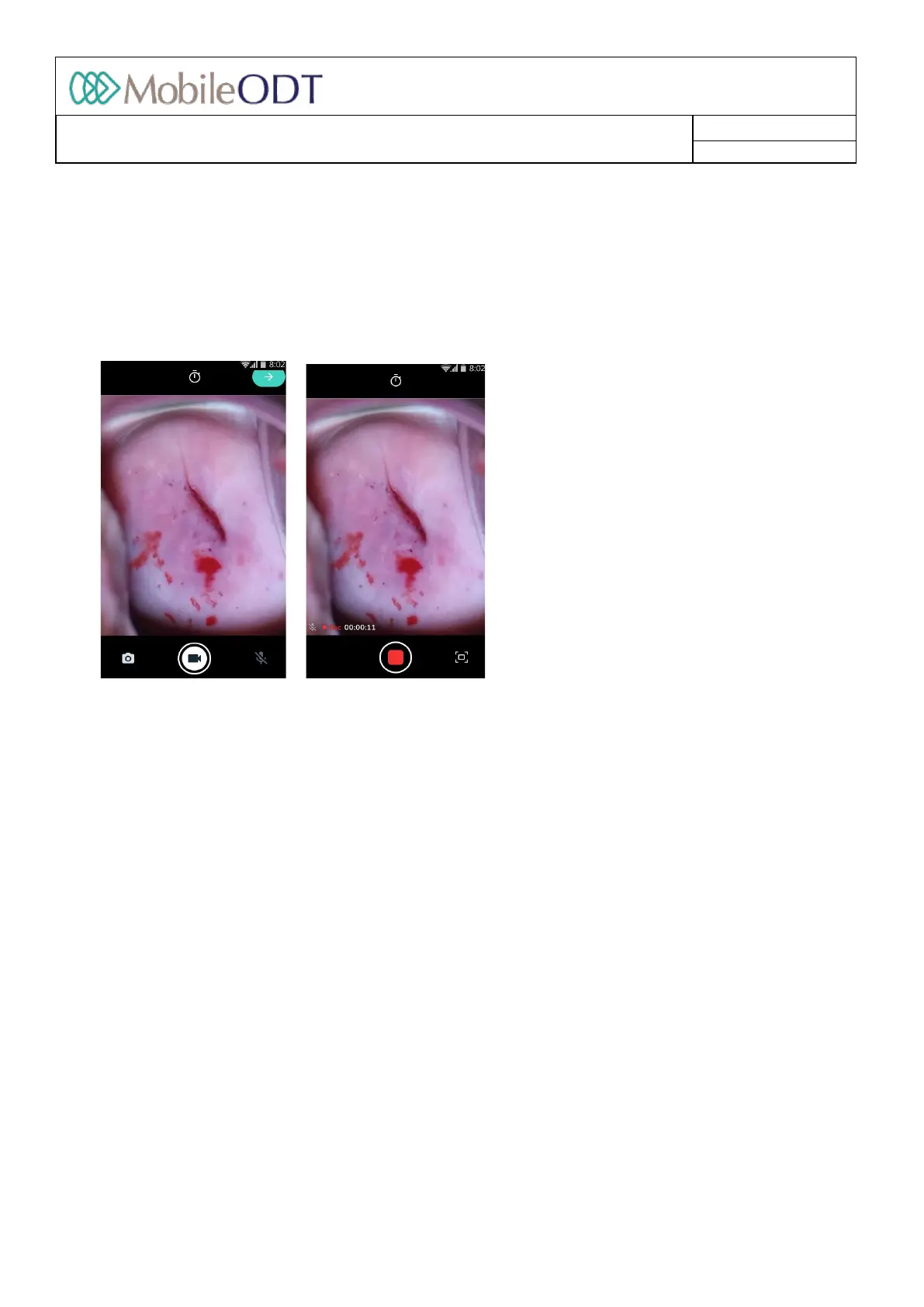
11.11.9. Capturevideosbytappingthevideocamerabuttonatthebottomleftofthescreen.
11.11.10. Youcanalsocaptureimageswhilerecordingbypressingthebuttonattherightbottomofthescreen.
11.11.11. Ifyouareunderademoordistributoraccount,youcantakeonly3imagesand1video.
11.12. Changingsettingsduringanexam(Cameramenu)
Thecamera’ssettingscanbemanageddirectlyduringanexambyaccessingthecameramenu
11.12.1. Thecameramenucanbeopenedbyclickingthesettingsbuttonfoundonthetopoftheimagecapture
screen.
11.12.2. Toswitchafeatureonoroffclickonthetogglebuttontotherightofeachfeature.
11.12.3. Dependingonyourclinicalscenario,anumberofsettingsmaybeavailable,
• Capturemode
• GreenFilter
• Highcontrastfilter
• QualityFrame
• Handsfreeimagecapture
Doc ID: 4baaf484d7f5f01d2b8e5dc0fedc637256236abe



 To Next Page