EVASystemUserManual
No.10LB038
Rev.04
Page43of86
10.11.9. ViewGreenfilterWhileinlargeimageview,ausercanalsoapplythegreenfiltertothatimage.The
greenfiltercanbeappliedorremovedbypressingthegreenfilterbuttonatthetopleftsideofthe
screen.
10.11.10. Highcontrastfilterausercanapplyahighcontrastfilterthathighlightsareasofvascularity.Thehigh
contrastfiltercanbeappliedorremovedbypressingthehighcontrastfilterbutton.
10.11.10.1. ThisfeatureisavailableonlyforexamstakeninSANEclinical
scenario.
10.11.10.2. Itcanbeconfiguredonthecamerasettingsmenu.
10.11.10.3. Wheneveritisturnedon,itcanbefoundonthecapturescreen
insteadofthegreenfilterbutton.
10.11.11. Toclosethelargesizeimage,theusershouldpresstheXbuttononthetoprightcorner.
10.12. Addingnotes
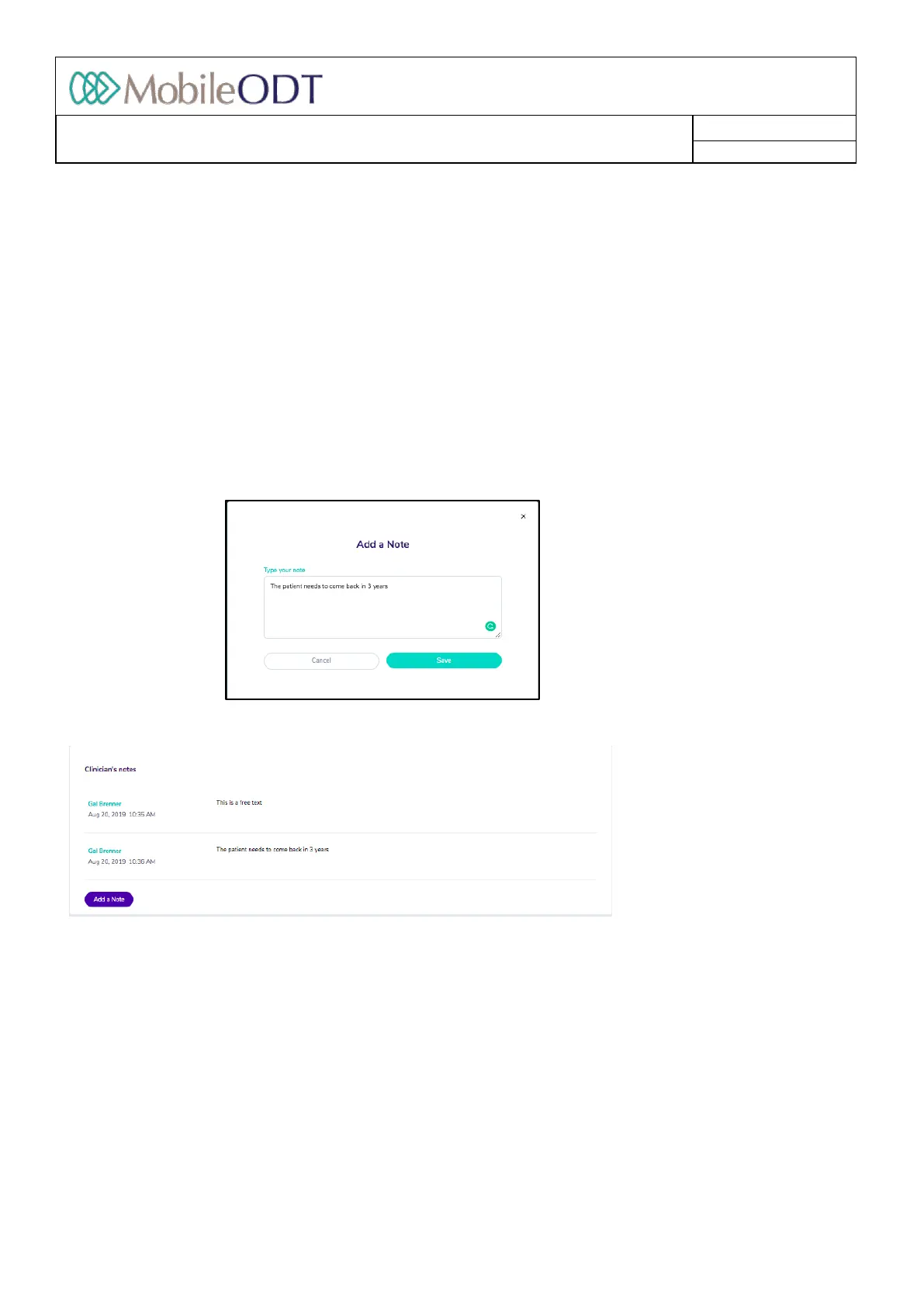
10.12.1. Theusercanenterfreenotesandviewthemintheexaminationrecord.
10.12.2. Toenteranewnote,theuserneedstoclickon“Addnote”buttonandapopupisdisplayedwherethe
userentersfreetextandpressSave.Thenewnotewillappearinthenotessection.
10.13. Help
10.13.1. ThehelpbuttonallowsyoutosendasupportrequesttotheMobileODTsupportteam.Enterallthe
detailsrequestedonthesupportformthatopens.
Doc ID: 4baaf484d7f5f01d2b8e5dc0fedc637256236abe



 To Next Page