EVASystemUserManual
No.10LB038
Rev.04
Page62of86
11.14.4. Afterallthedataisenteredtaponthegreenbuttonatthetoprightofthescreen.
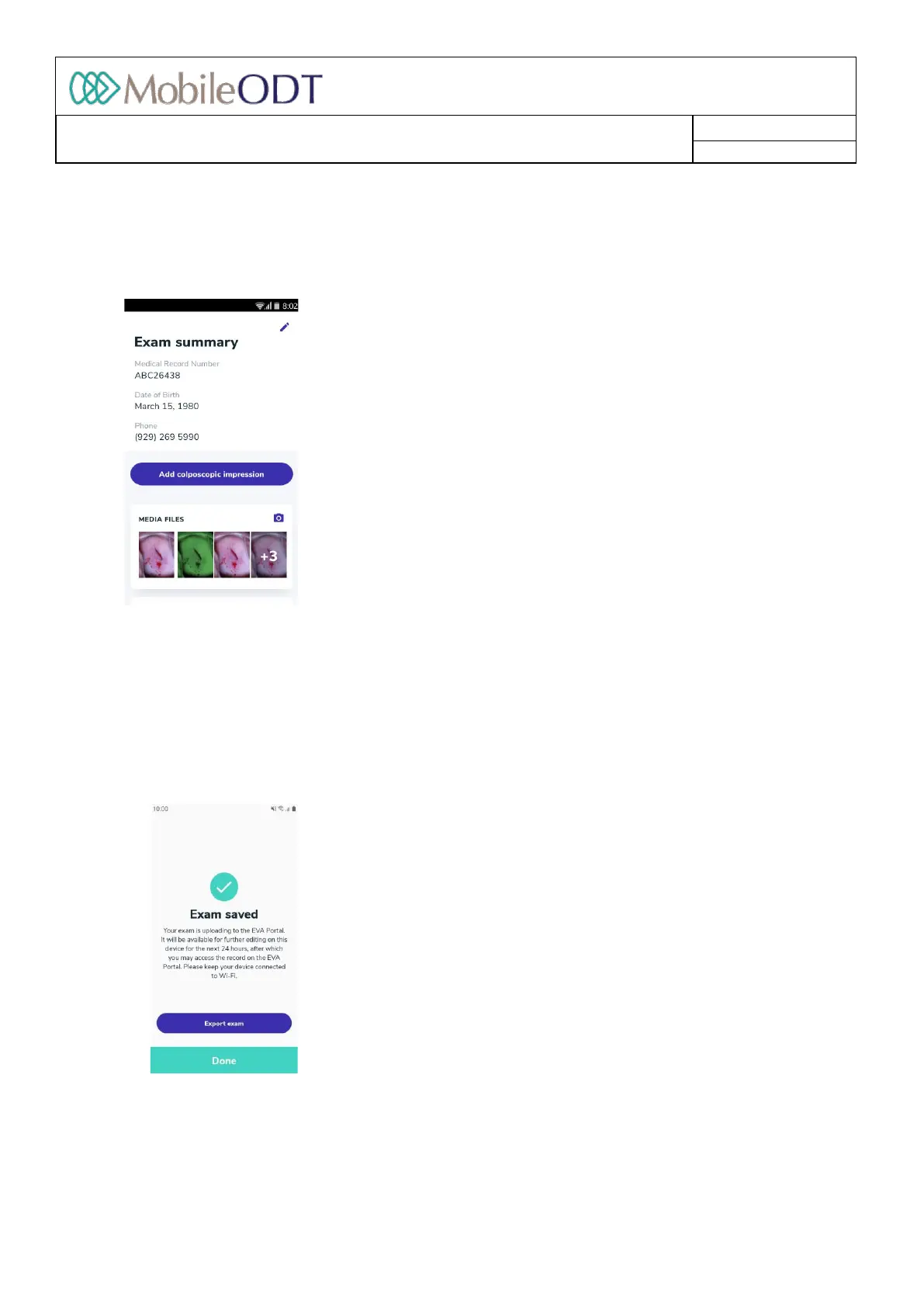
11.15. Summary
Alltheinformationenteredisdisplayedonthesummarypage.
11.15.1. Youcaneditpatient'sdetailsbypressingtheeditbuttonatthetopofthescreen.
11.15.2. Tofinalizethedocumentation,tapon'Finishexam'whendone.Theexamwillstartuploadingtothe
EVAPortal.Theexamwillbeavailableforfurthereditingonthedeviceforthenext24hours.
11.16. Exportingtheexam
11.16.1. Aftertappingon‘Finishexam’,anoptiontoexporttheexamisavailable.Theusercanchoosebetween
exportingtoanemailortoafolderonthedevicefromwhichtheexamscanbeexportedandbackedup
manuallyonalocaldrive
11.16.2. Taponthebutton'Exportexam'.
11.16.3. A6digitPINcodeisrequestedtoensurethefilesoftheexaminationwillremainsecure.ThePIN
cannotbesequentialandanindividualdigitcannotberepeatedmorethan3times.
Doc ID: 4baaf484d7f5f01d2b8e5dc0fedc637256236abe



 To Next Page