EVASystemUserManual
No.10LB038
Rev.04
Page70of86
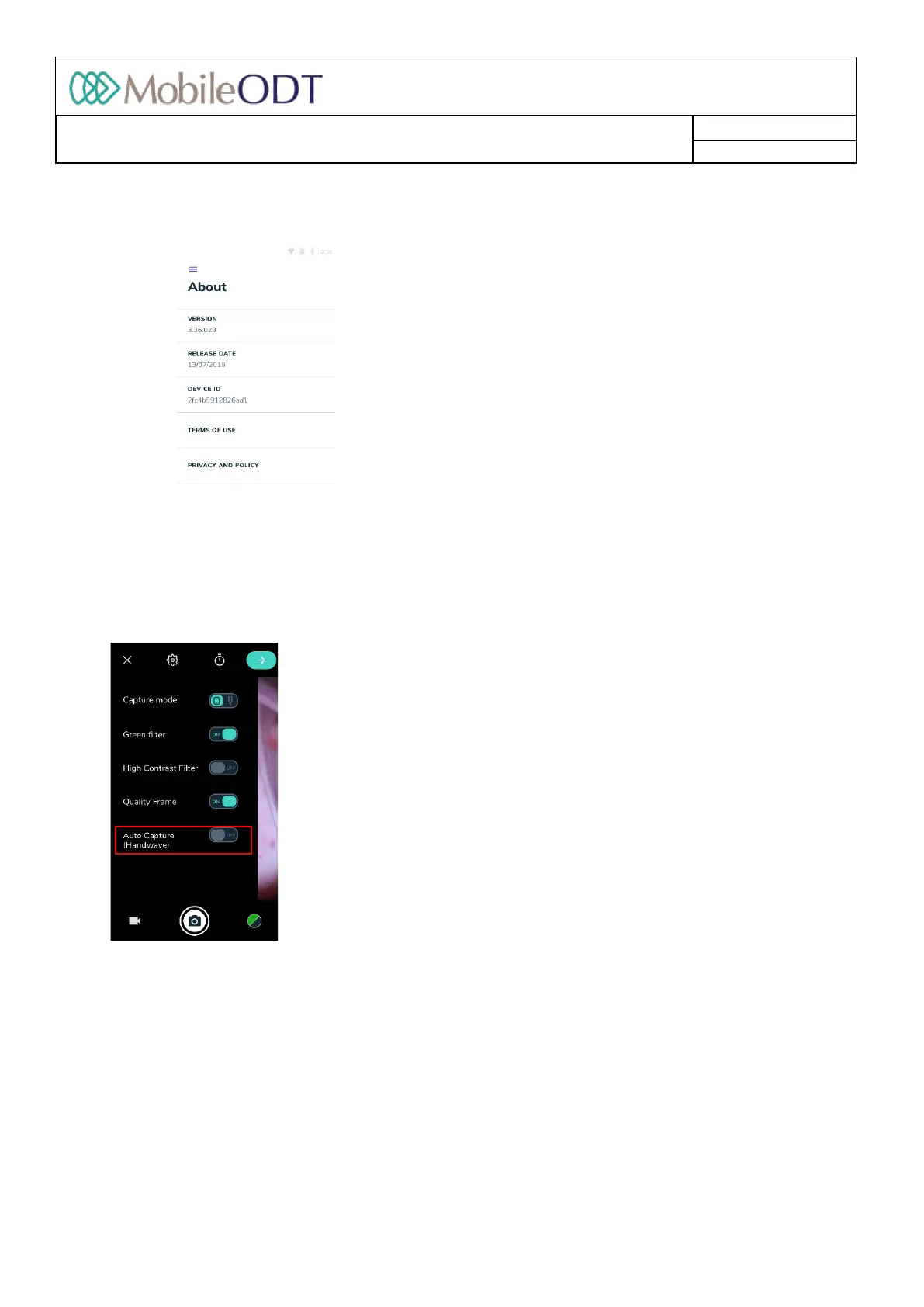
11.22.2. Tapon‘About.’
11.22.3. In“About”sectionuserscanreviewtheversionoftheapp,thereleasedateanddeviceIDandread
MobileODT’sTermsofUseandPrivacyPolicy.
11.23. Handwavefeature
Thehandwavefeatureallowsuserstocaptureimageswithouttouchingthedevice.Whenthehandwave
featureisturnedon,whenperforminganexamtocaptureanimage,movethehandinahifivemotion
towardstheMobileODTlogoatthetopofthedeviceabovethescreen.Thisfeatureisconfigurablefromthe
camerasettingmenu.
11.24. Cameramode
11.24.1. In‘Colposcopemode’thecameraallowscapturingimagesutilizingthemagnificationprovidedbythe
EVASystemlens(upto16xmagnification.)
11.24.2. In‘Cameramode’Userscancapturefullbodyorwideangleimages. Thisdisablesthestandard
colposcopemagnificationprovidedbytheEVASystemlens,allowingtheEVADevicetobeusedasa
standardcamera.
11.24.3. Toattendmaximumimagequalitycameramode,removethemobiledevicefromthecasing,usingthe
quickreleasebuttonatthetopoftheEVAdevice.
11.25. Qualityframe
Doc ID: 4baaf484d7f5f01d2b8e5dc0fedc637256236abe



 To Next Page