EVASystemUserManual
No.10LB038
Rev.04
Page67of86
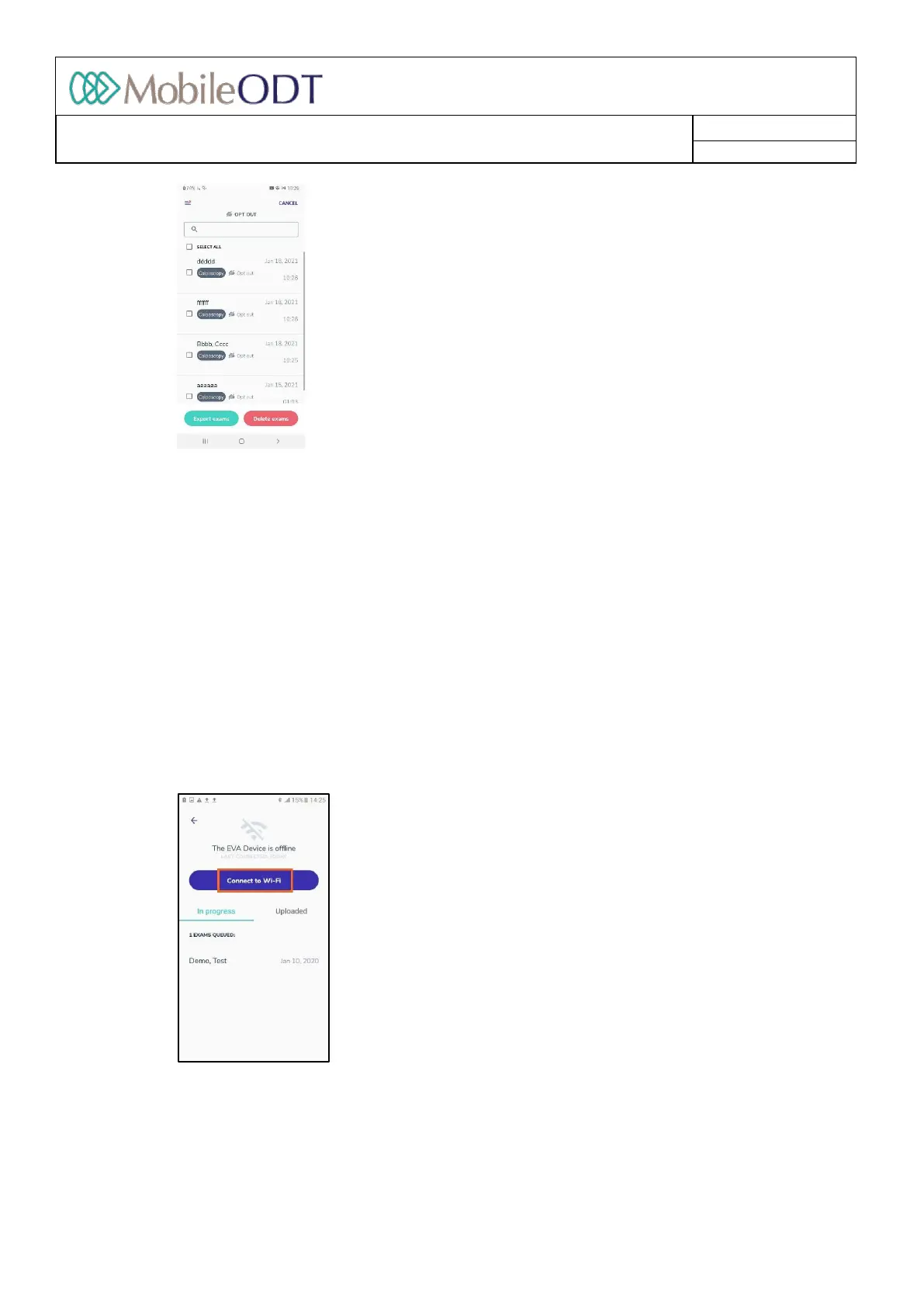
11.19.8. ExamscanbeselectedforexporttoZIP(formanualexportviaUSB)ordeletionbyclickingonthe
‘Select’buttonatthetoprightofthescreen.Individualexamscanthenbeselectedforexportor
deletionfromthedevice.
• AnyexamsthathavepreviouslybeensyncedtotheEVAPortalwillstillbesavedonthePortalevenif
theyaredeletedfromthatparticulardevice.AnyexamscapturedinOptoutmodeorthathavenot
beensynced,willbepermanentlydeletedfromthesystemandcannotberetrieved.Itisadvisableto
ensurethatexamshavebeenbackedupeitherbymanuallyorbysyncingtotheEVAPortalbefore
deletingfromtheEVADevice.
• OnlyexamsthathavebeencompletedcanbeselectedforexporttoZIP.Exportedexamscanbereached
viathemainmenuunder“Examsforexport.”(seesection14)
11.19.9. Inthe'Uploaded'tabtheexaminationsthatfinisheduploadingaredisplayedfor24hours.Afterward,
theexamscanbeviewedontheEVAportal:https://eva.mobileodt.com.
11.19.10. IfthedeviceisnotconnectedtoWiFi,anoptiontoconnecttoWiFiispresented.Theuploadprocess
onlyworksifthedeviceisconnectedtotheinternet.
11.19.11. IfthedeviceisnotconnectedtoWiFitheexamsinthedevicewillbeavailablein‘viewmode’only.
Doc ID: 4baaf484d7f5f01d2b8e5dc0fedc637256236abe



 To Next Page