59
Installing the Corner and Pole Mount
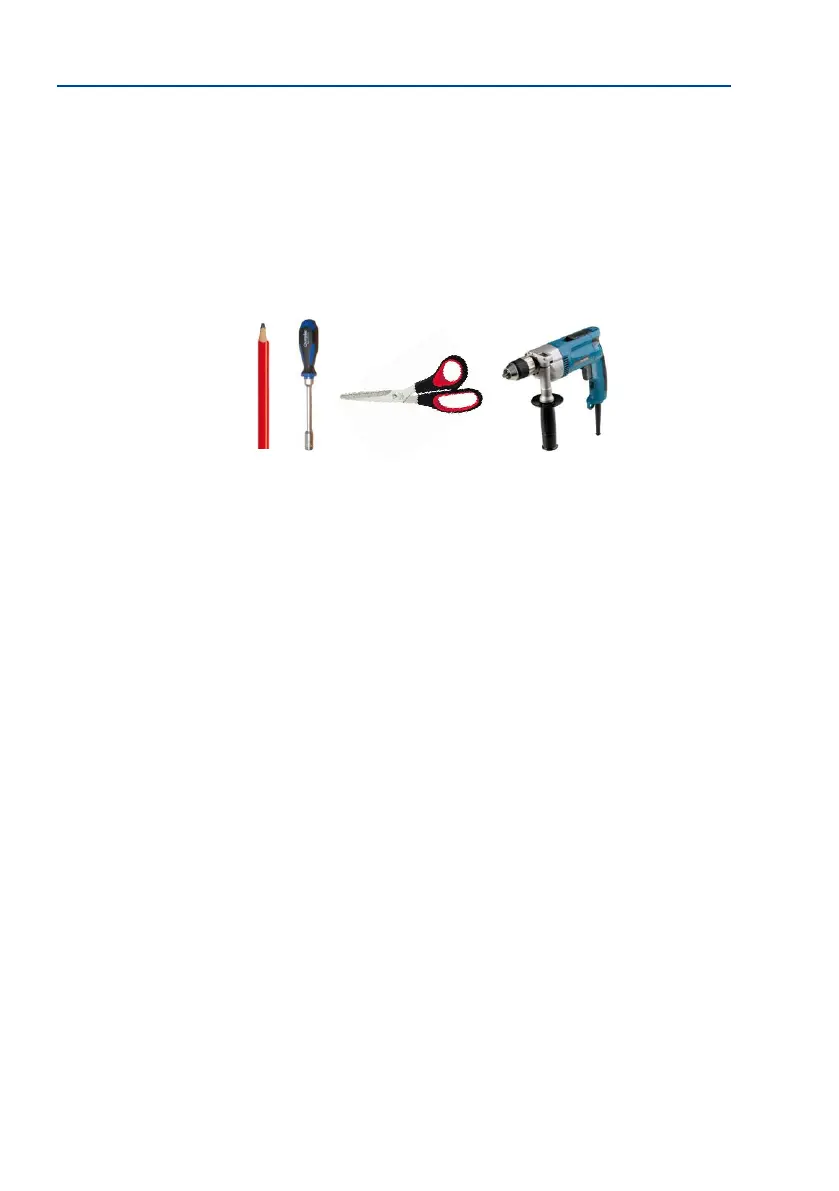
The Following Additional Tools Are Required For Installation Of The Corner Mount:
• Power drill for screw anchor holes
• Screwdriver
• Scissors to cut out the template
• Pen to mark hole positions
• Materials and tools needed to connect the pre-installed MOBOTIX network cable in
the camera with the on-site network cable



 To Next Page