38
D26 Camera Manual: Installation
2.2 Mounting the Camera Without Accessories
2.2.1 Mounting Instructions
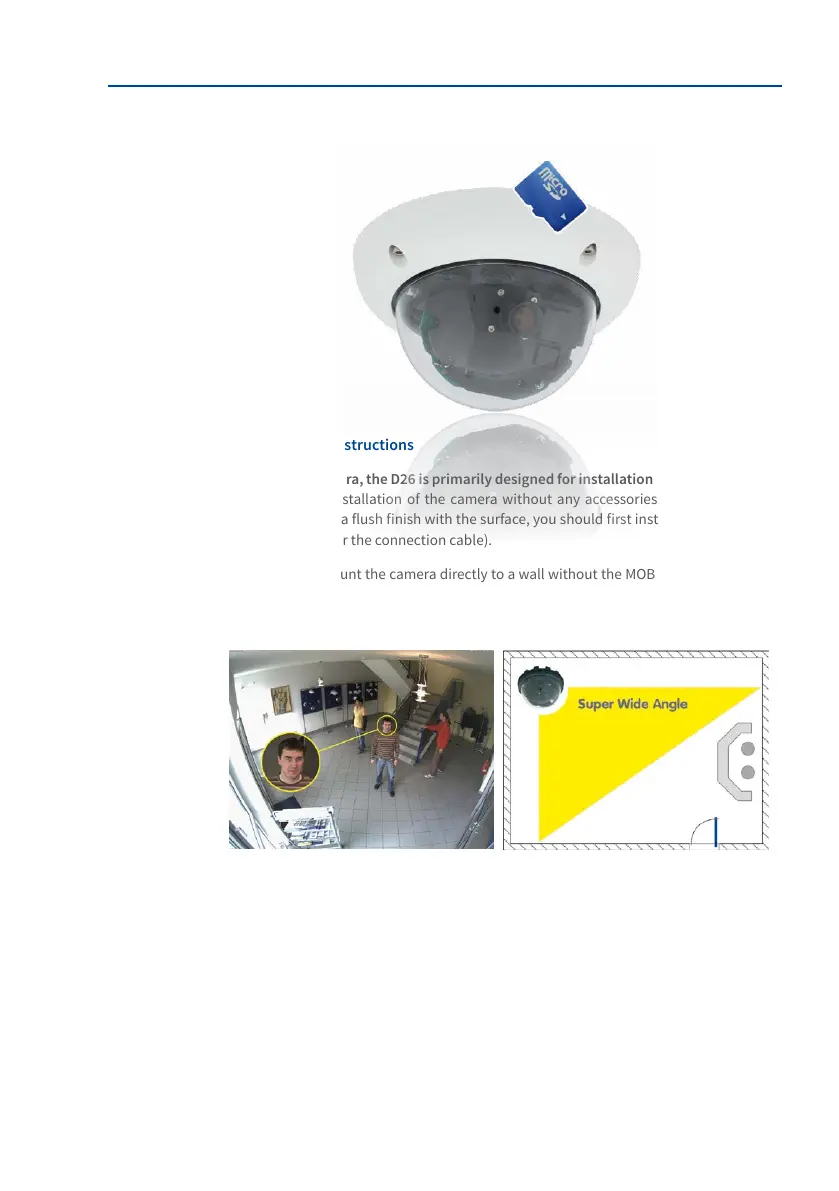
As an allround camera, the D26 is primarily designed for installation on walls or ceilings.
In general, direct installation of the camera without any accessories is always possible.
However, to ensure a ush nish with the surface, you should rst install a ush-mounted
wall outlet (space for the connection cable).
If you choose to mount the camera directly to a wall without the MOBOTIX-recommended
wall mount, you should position the camera in the center of the room to guarantee maximum
coverage.
Required Tools
Please rst check that all the components supplied with the camera are present in the
original packaging. You will need these additional tools for installing:
• Any additional materials for fastening the camera to a ceiling/wall, if necessary – 4
Torx screws incl. screw anchors and washers are included in the original packaging.
• Screwdriver
• Power drill for screw anchor holes needed for ceiling/wall mounting
• MOBOTIX drilling templates (on www.mobotix.com)



 To Next Page