54
D26 Camera Manual: Installation
2.6 Installing the Wall Mount
2.6.1 Mounting Instructions
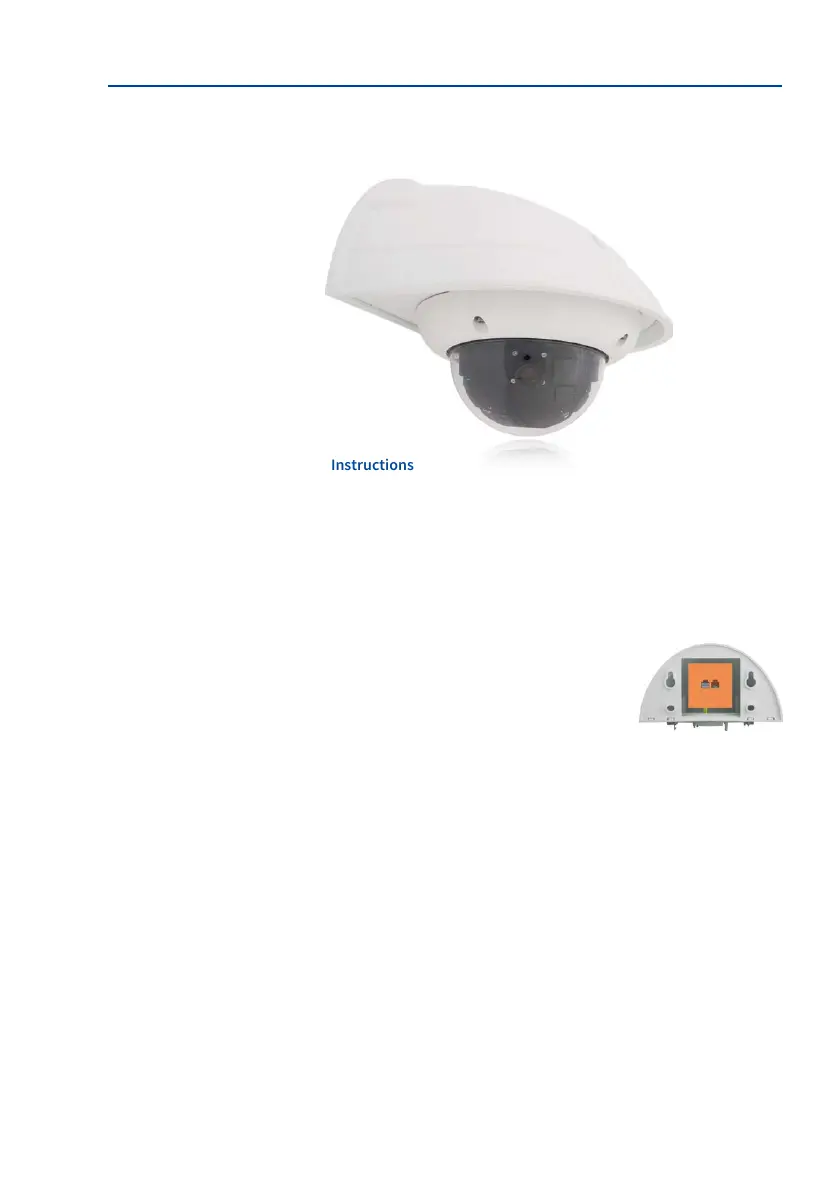
The Wall Mount allows you to easily mount D26 cameras to walls or extensions, both indoors
or outdoors. The camera remains IP65 weatherproof (dust-proof and resistant to water jets).
The Wall Mount also covers RJ45 ush-mounted sockets and has ample space for additional
modules (Mx2wire, WiFi, batteries, etc.).
Before mounting the MOBOTIX D26 with the Wall Mount, you must prepare the network
connection and drill the holes for the xtures:
• The on-site network cabling is passed through the opening
in the back of the Wall Mount. The cable and the required
(standard) connector for the camera cable (patch cable) are
ideally protected by a robust wall sealing made from foam
rubber. Nothing is visible or accessible from the outside. The
Wall Mount may be mounted directly on top of surface- or
ush-mounted sockets. Maximum width x height of the socket:
88 mm x 80 mm.
•
Only use the factory installed patch cable of the D26 (50 cm cable length) or a MOBOTIX
cable that is available as an accessory in various lengths.
• All openings of the camera housing need to be properly sealed. This is the only way to
guarantee that the camera remains weatherproof.
• The supplied screw anchors should be used for the drill holes in the wall. Use the
drilling template for the D26 Wall Mount to mark the exact position for the drill holes
and the holes through which the cables will later be fed.
Direct installation over
surface- and ush-
mounted sockets



 To Next Page