58
D26 Camera Manual: Installation
2.7 Installing the Corner and Pole Mount
2.7.1 Mounting Instructions
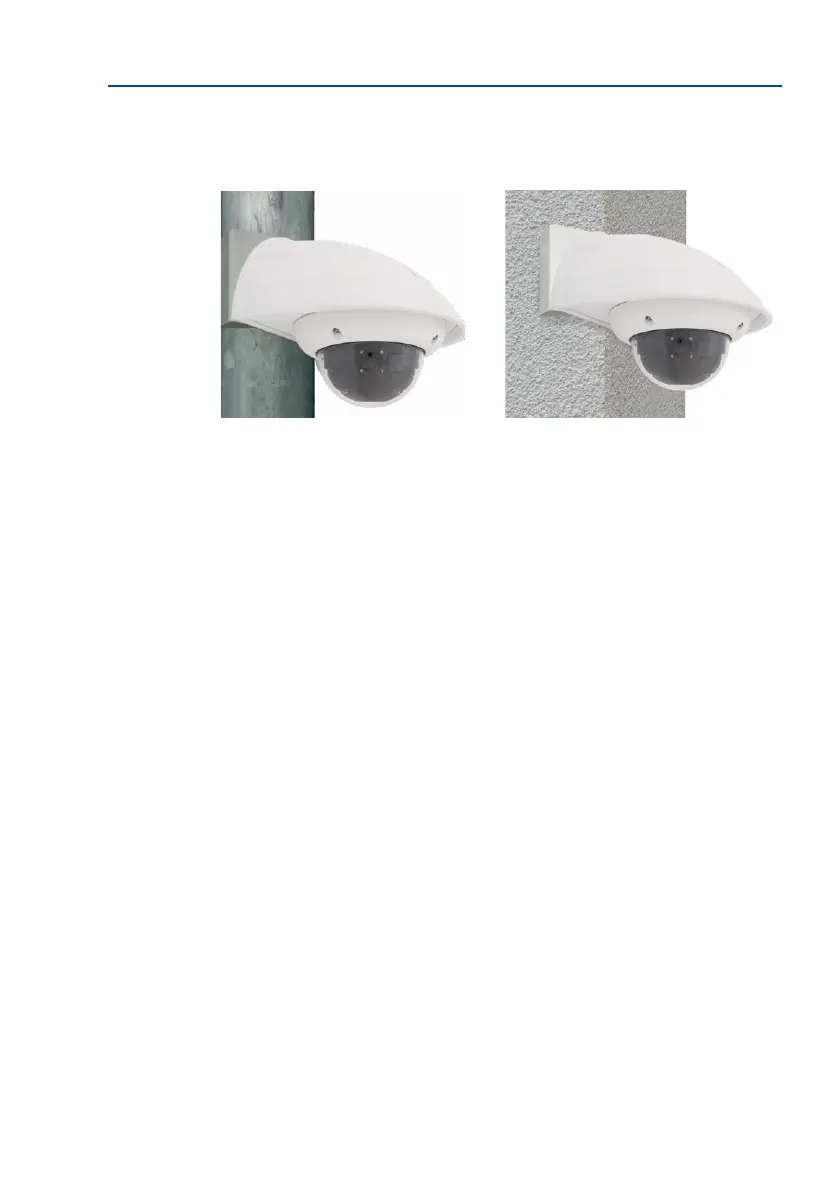
The 3 mm thick stainless steel Corner and Pole Mount is extremely robust and rust-proof.
It is used (exclusively) in conjunction with the Wall Mount in situations where you want to
mount a D26 to a pole or wall corner. The Wall Mount required for complete installation
must be ordered separately.
The mounting pole should have a diameter of between 60 and 180 mm. Attaching the camera
to the corner of a wall not only makes sense from an aesthetic perspective, but also allows
you to monitor an area that is not specically covered by the camera without incurring major
building modication costs. In such cases, only the lens of the camera has to be repositioned.
By design, the Corner and Pole Mount does not allow the use of a ush-mounted socket.
Required Parts
Please rst check that all the components supplied with the Corner and Pole Mount Set are
present in the original packaging.
The Following Additional Tools Are Required For Installation As A Pole Mount:
• Screwdriver
• Materials and tools needed to connect the pre-installed MOBOTIX network cable in
the camera with the on-site network cable



 To Next Page