Mounting
Installing the Sensor Modules
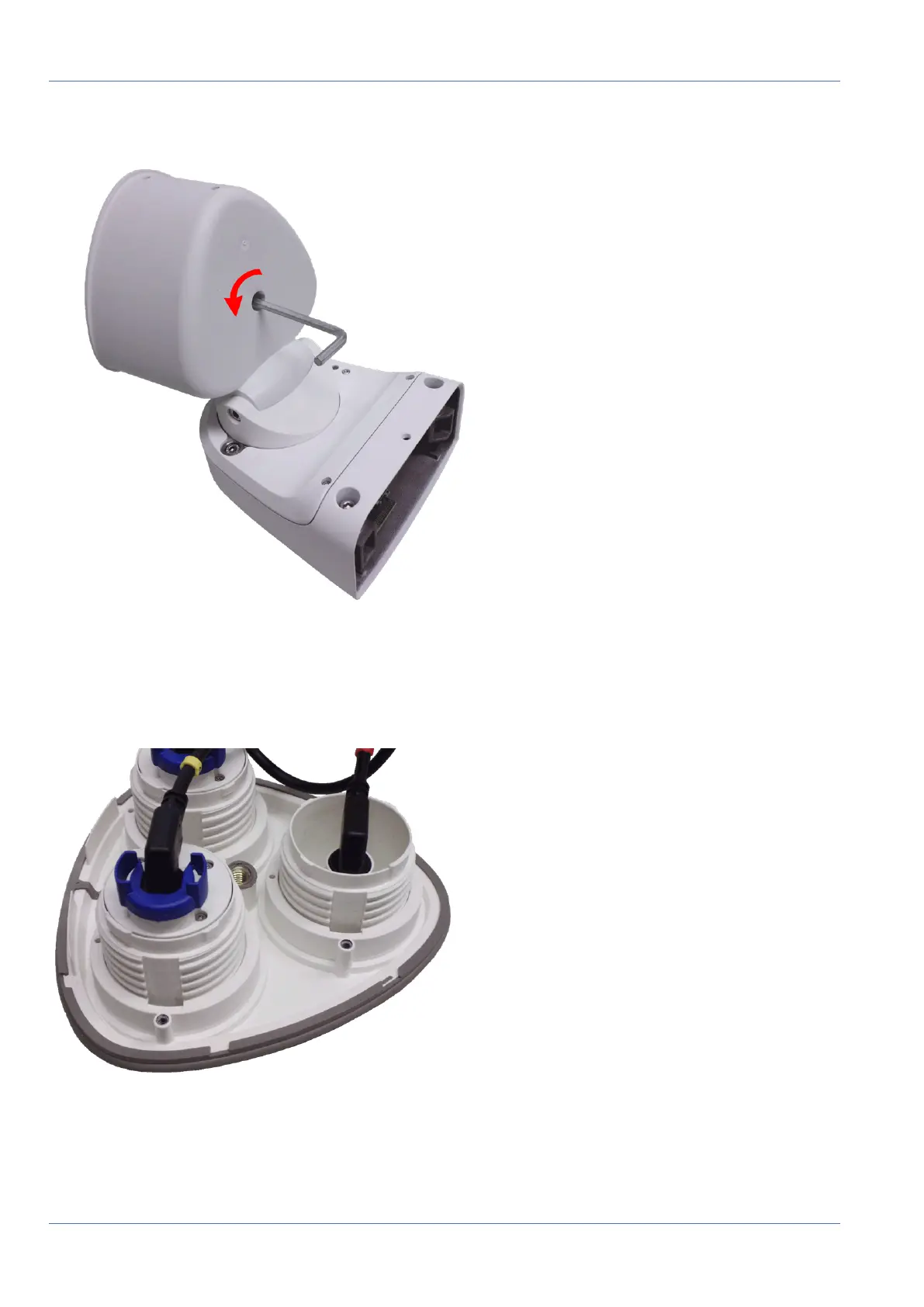
2. Using the supplied 5mm Allen wrench M.6, p. 21, release the bolt at the back of the module housing.
Leave the bolt and washer in the module housing.
Fig. 14: Opening the module housing
3. Using the Allen wrench, cautiously push from behind onto the bolt and push the front plate out of the
front of the housing.
Fig. 15: Default front plate with sensor modules (back)
45 / 110



 To Next Page