Operating the Camera
Focusing the TELE 15° Sensor Module
Focusing the TELE 15° Sensor Module
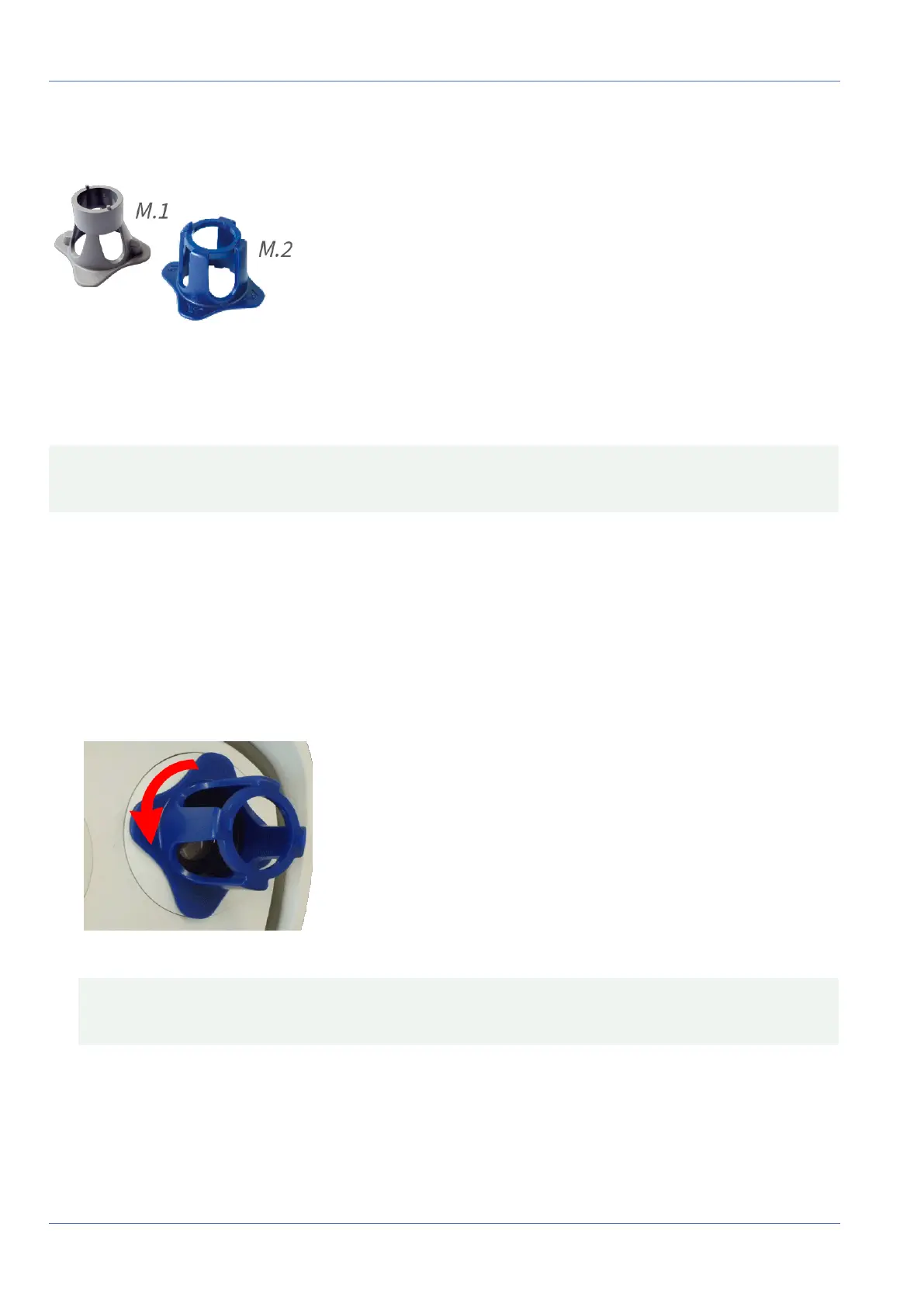
Fig. 82: Module wrench M.1, p. 20 and lens wrench M.2, p. 20 of the MOBOTIX M73
Once the camera has been mounted, the TELE 15° sensor module should be checked for proper sharpness.
You will need the lens wrench blue M.2 and the module wrench gray M.1 that are part of the M73: Scope of
Delivery, p. 14.
CAUTION! When adjusting the image focus or the field of view of the camera, always make sure that you
can see the live image of the camera on your monitor.
To correct image sharpness, you can also make use of the visual focusing aid of the camera (see the Camera
Reference Manual, section The Live View of the MOBOTIX Camera)
Focusing the Camera Lenses
1. Show the live image of the camera on your monitor.
2. Insert the blue lens wrench into the notches of the sensor module.
3. Turn the wrench counter-clockwise until it stops:
Fig. 83: Turn sensor module counter-clockwise until it stops
CAUTION! If the red security clips M.14 have not been installed, the sensor module will also rotate! If
this happens, keep on turning until the sensor module stops in its position for removal.
4. Rotate the wrench to the left until the lens protection glass slides out of the sensor module.
97 / 110



 To Next Page