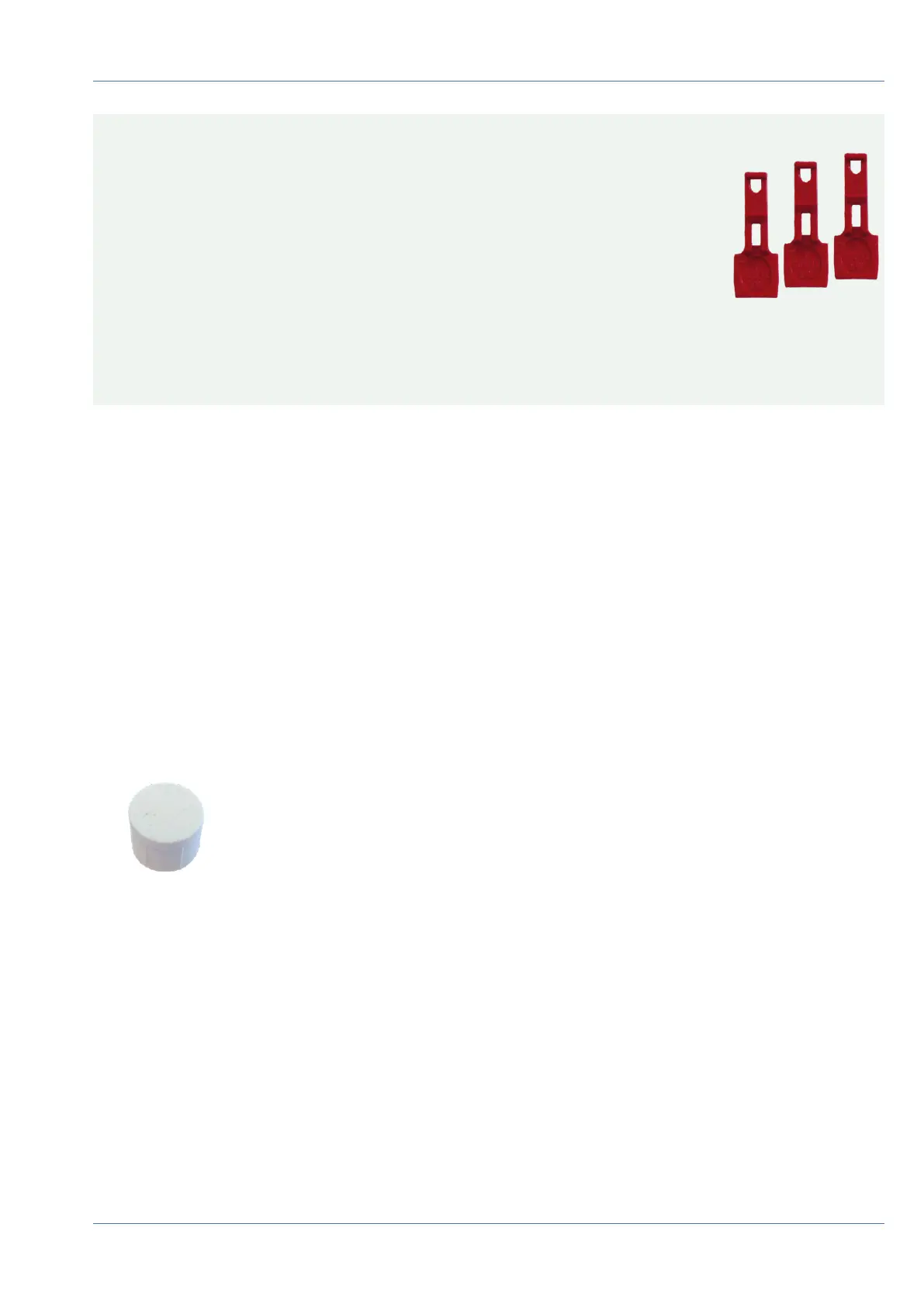
CAUTION! The sensor modules are not yet protected against theft and unwanted rotation (e.g., due to vibra-
tion). It is thus highly recommended to install the security clips M.4. Proceed as outlined
in the following:
n
Opening the Module Housing, p. 44
n
Installing the Security Clips, p. 46
n
Closing the Module Housing, p. 47
If you do not want to install the security clips, proceed by selecting the Mounting Options, p. 59.
Opening the Module Housing
The following tasks require opening the module housing:
n
Inserting security clips at the sensor module or the blind module, respectively.
n
Exchanging a sensor or blind module.
n
Replacing the default front plate 1.3 with a thermal front plate or vice versa.
Procedure
1. Remove the rubber plug at the back of the module housing (e.g., by using a small screwdriver).
Mounting
Installing the Sensor Modules
44 / 110



 To Next Page