Mounting
Installing the Sensor Modules
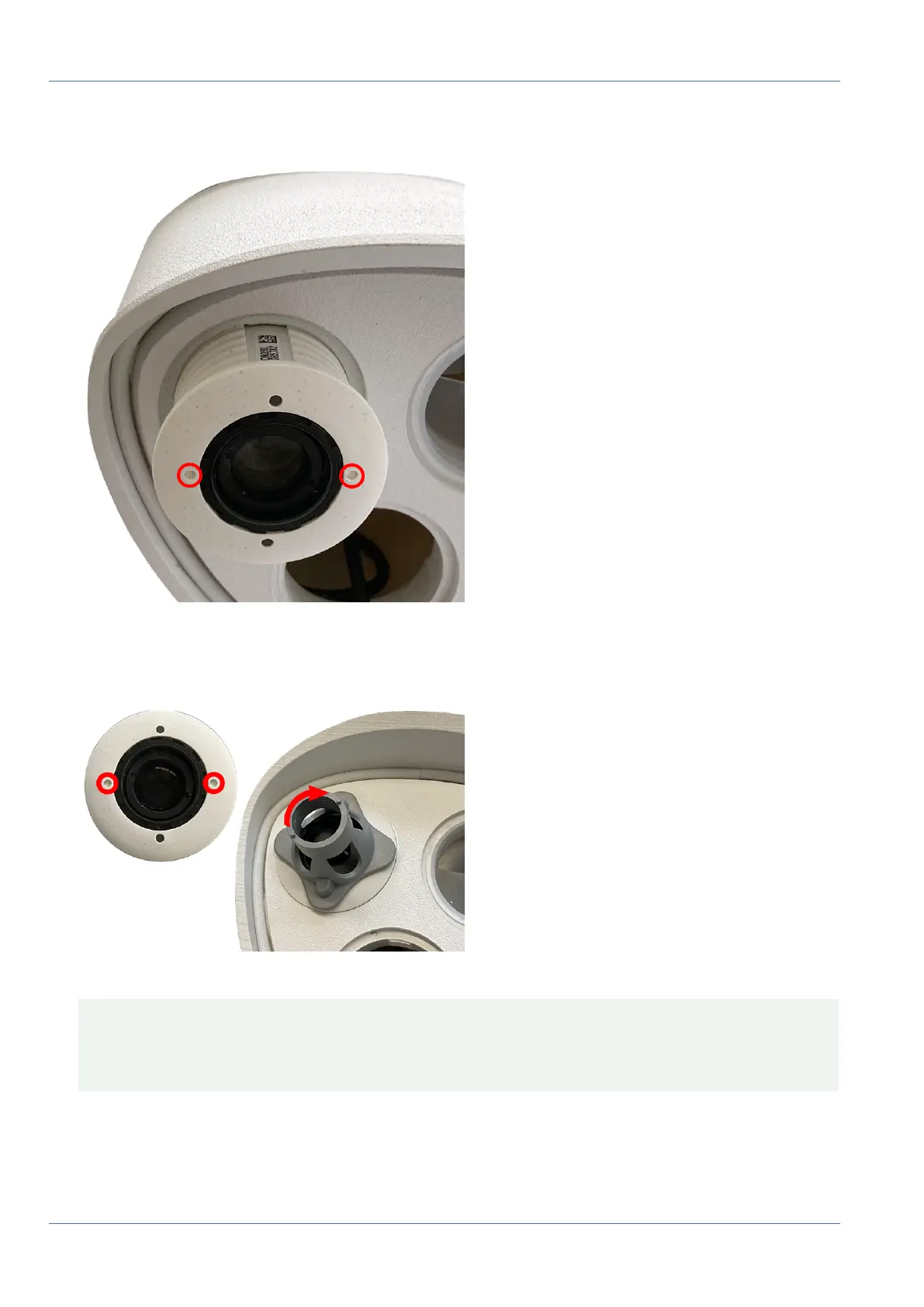
6. Insert sensor module: Push the sensor module into its receptacle. The arrow on the back of the module
points to 9 o'clock when looking at the module as shown.
Fig. 12: Insert sensor module into module housing
7. Lock the sensor module: Using the gray module wrench M.1, turn the sensor module clockwise until it
stops.
Fig. 13: Lock the sensor module
CAUTION!
If you cannot turn the sensor module, it has been inserted the wrong way! Remove the sensor module,
rotate it by 180 degrees and insert it again.
8. Repeat steps 3 to 6 for the remaining sensor modules or the blind module 1.5, respectively.
43 / 110



 To Next Page