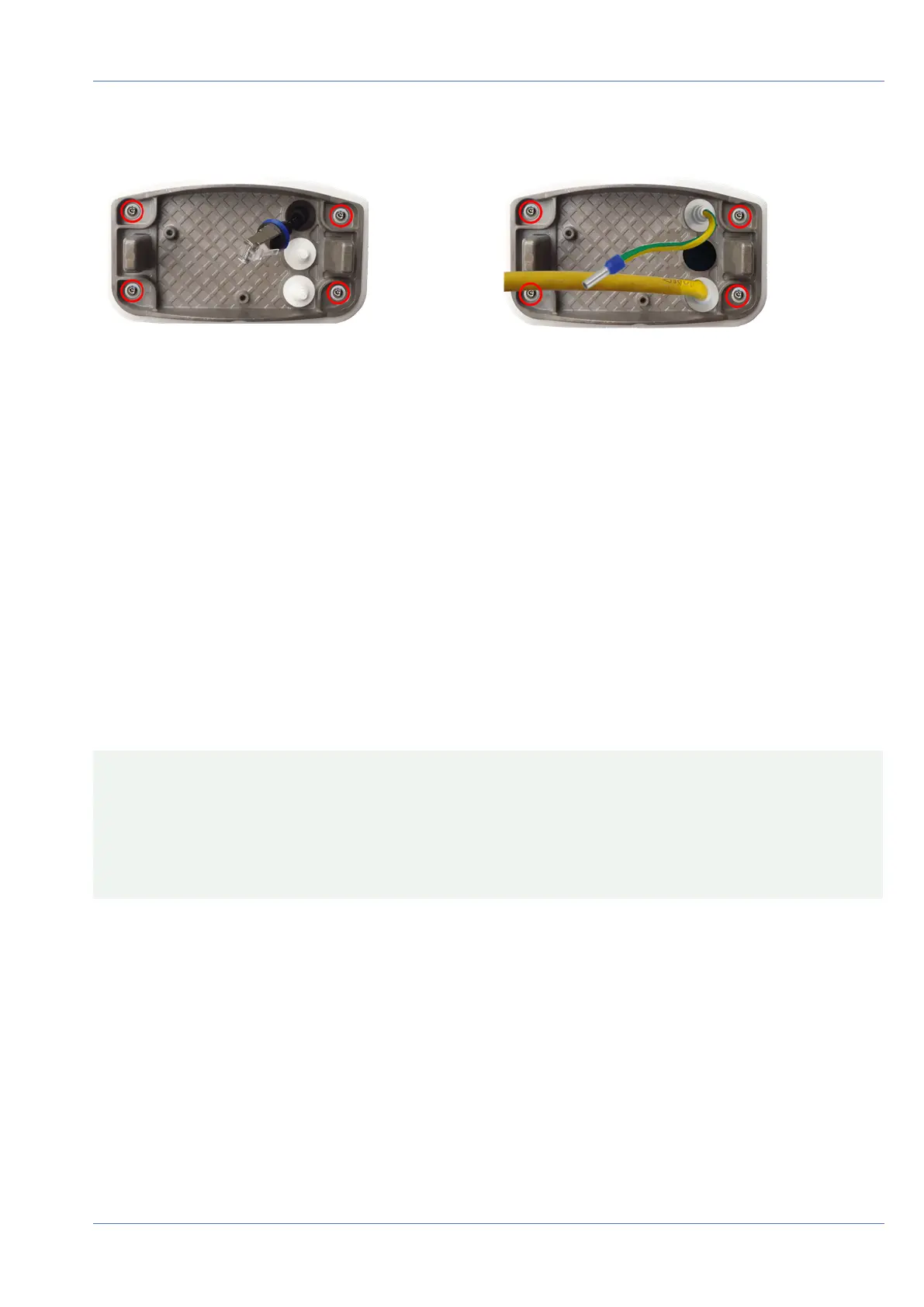
Connector Box RJ45 Connector Box LSA
Fig. 49: Installed and ready for Connector Box RJ45
Fig. 50: Installed and ready for Connector Box LSA
Connecting the camera
All connections to the camera (network, power supply, inputs/outputs) can be made on the cameras con-
nector box. No further accessories are required for this. A PoE switch provides the camera's power supply.
Connecting the Camera to the Network
There are two ways to connect the camera to the network - with the Connector Box RJ45 or with the
Connector Box LSA. A PoE switch provides the camera's power supply.
CAUTION!
n
The PoE switch must provide Class4 according to PoE Plus (802.3at-2009) as well as the 100/1000
Mbps Ethernet interface of the camera.
n
It is highly recommended to use an uninterruptible power supply (UPS) for the switch.
n
The maximum length of the network cable for remotely supplying power is 100m (300ft).
Mounting
Connecting the camera
70 / 110



 To Next Page