CAUTION! Do not operate the camera until all three receptacles have been fitted with sensor or blind mod-
ules.
CAUTION! When installing the sensor modules, make sure that the sensor module cables are not damaged
or bent sharply.
Open the Module Housing
To remove the factory-installed front plate, open the camera housing as outlined in Opening the Module Hous-
ing, p. 44
Removing the Security Clips
NOTE! The procedure below only applies if you are adding a thermal front plate to a “regular”M73. If this is
not the case, you can proceed to Installing the Sensor Modules to the Thermal Front
Plate, p. 55.
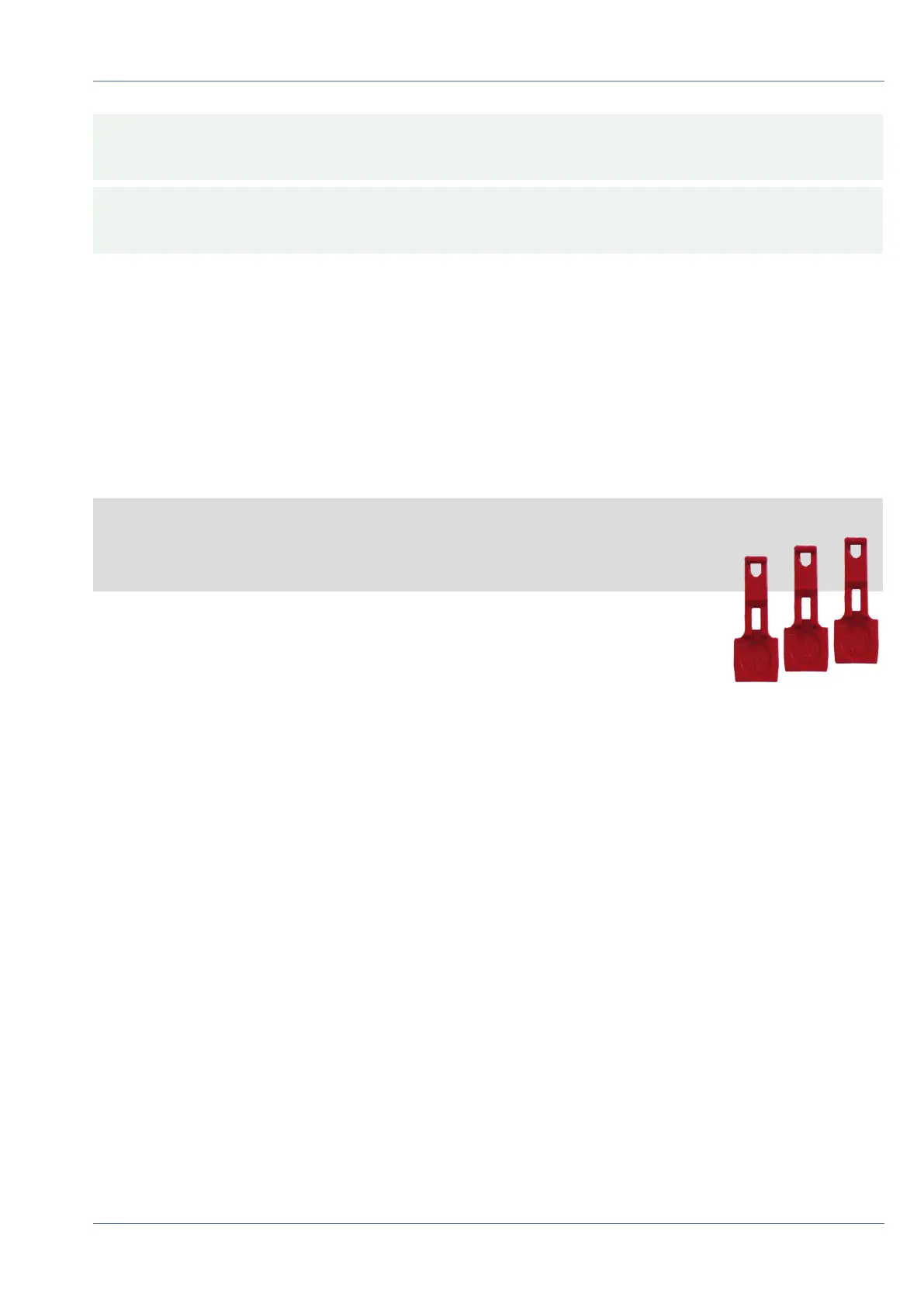
The security clips are protecting the sensor modules or the blind module in the front
plate of the MOBOTIX M73 against theft and unwanted rotation (e.g., due to vibration
when mounted on a pole or in an automotive scenario). If they are installed, you need
to remove them before you can remove the sensor modules.
Mounting
Installing a Thermal Front Plate
50 / 110



 To Next Page