Mounting
Installing the Sensor Modules
Procedure
1. Open the module housing (see Opening the Module Housing, p. 44).
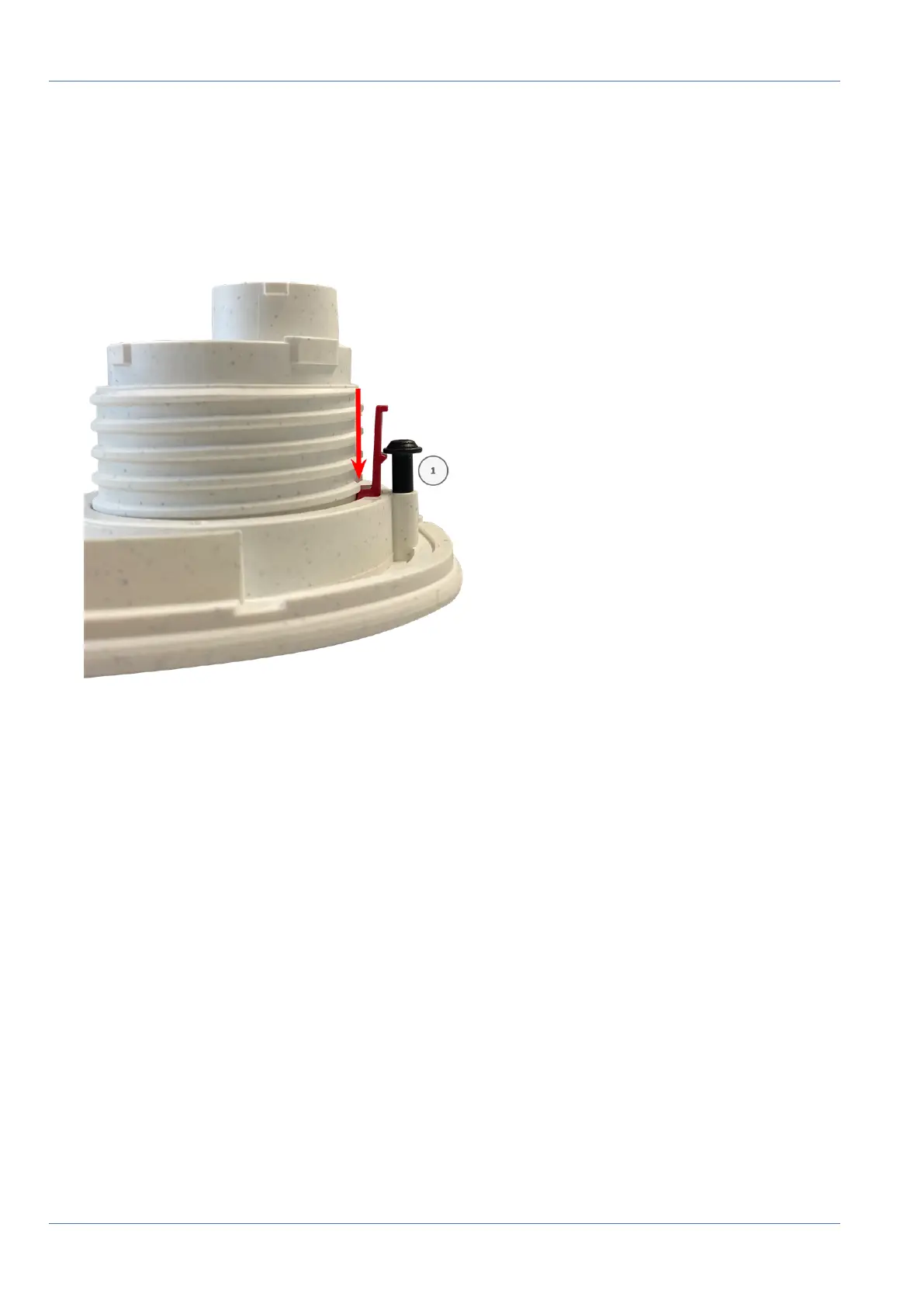
2. Insert the security clips: lnsert a security clip into the groove between the inner and the outer thread of
the sensor module. Press it all the way into the groove and make sure it snaps in under the head of the
pre-assembled screw ① .
Fig. 17: Insert security clip all the way
3. Repeat step 2 to apply security clips to all modules.
4. Close the module housing: (see Closing the Module Housing, p. 47).
Closing the Module Housing
Insert the front plate of the MOBOTIX M73 to close the module housing.
47 / 110



 To Next Page