Procedure
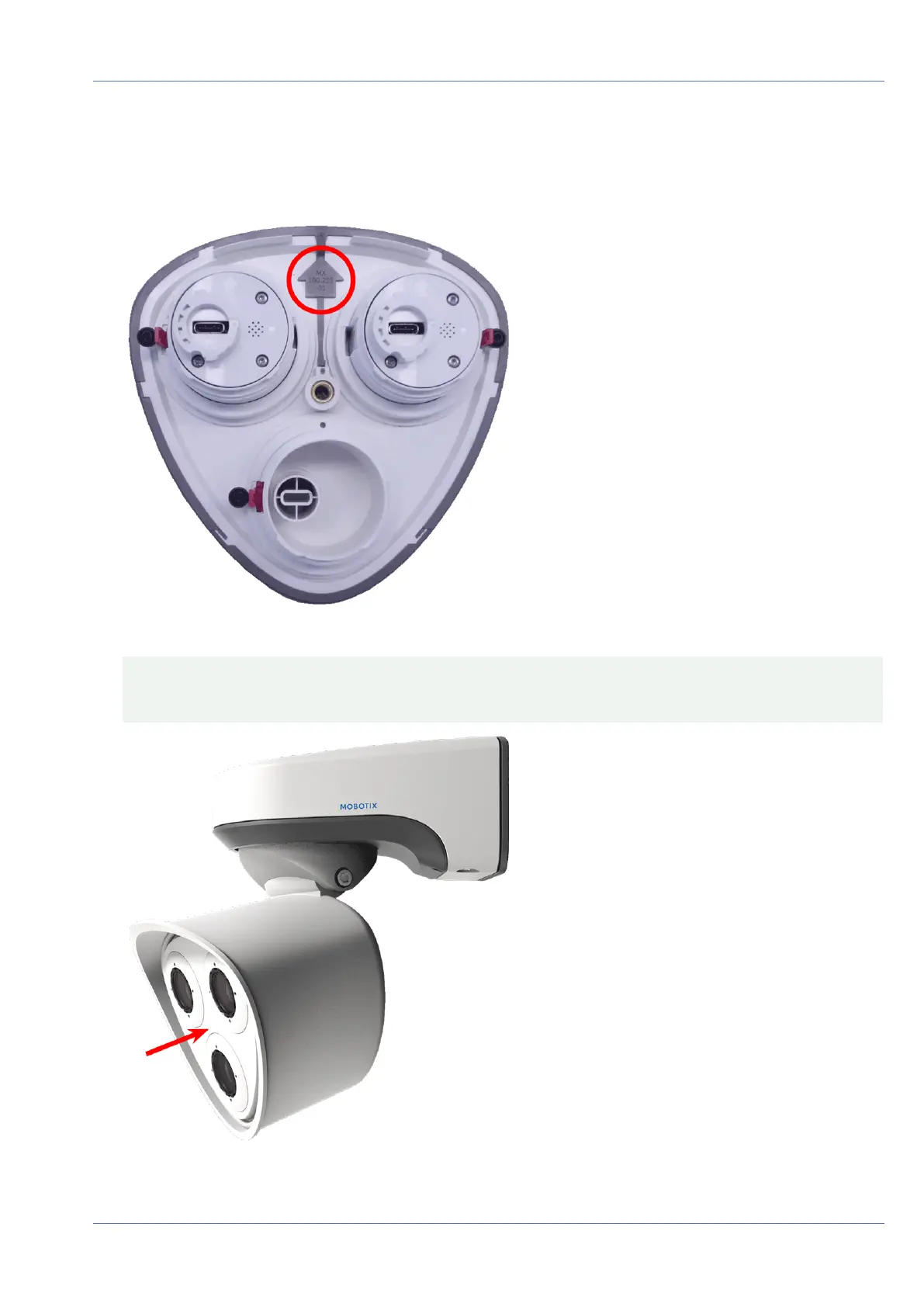
1. Make sure that the arrow of the front plate (red circle in figure) points upwards when inserting the front
plate into the module housing (figure shows front plate with cables removed).
2. Push the front plate into the module housing until it stops.
CAUTION! When pushing the front plate into the module housing, make sure that the sensor module
cables are not damaged or bent sharply!
Mounting
Installing the Sensor Modules
48 / 110



 To Next Page