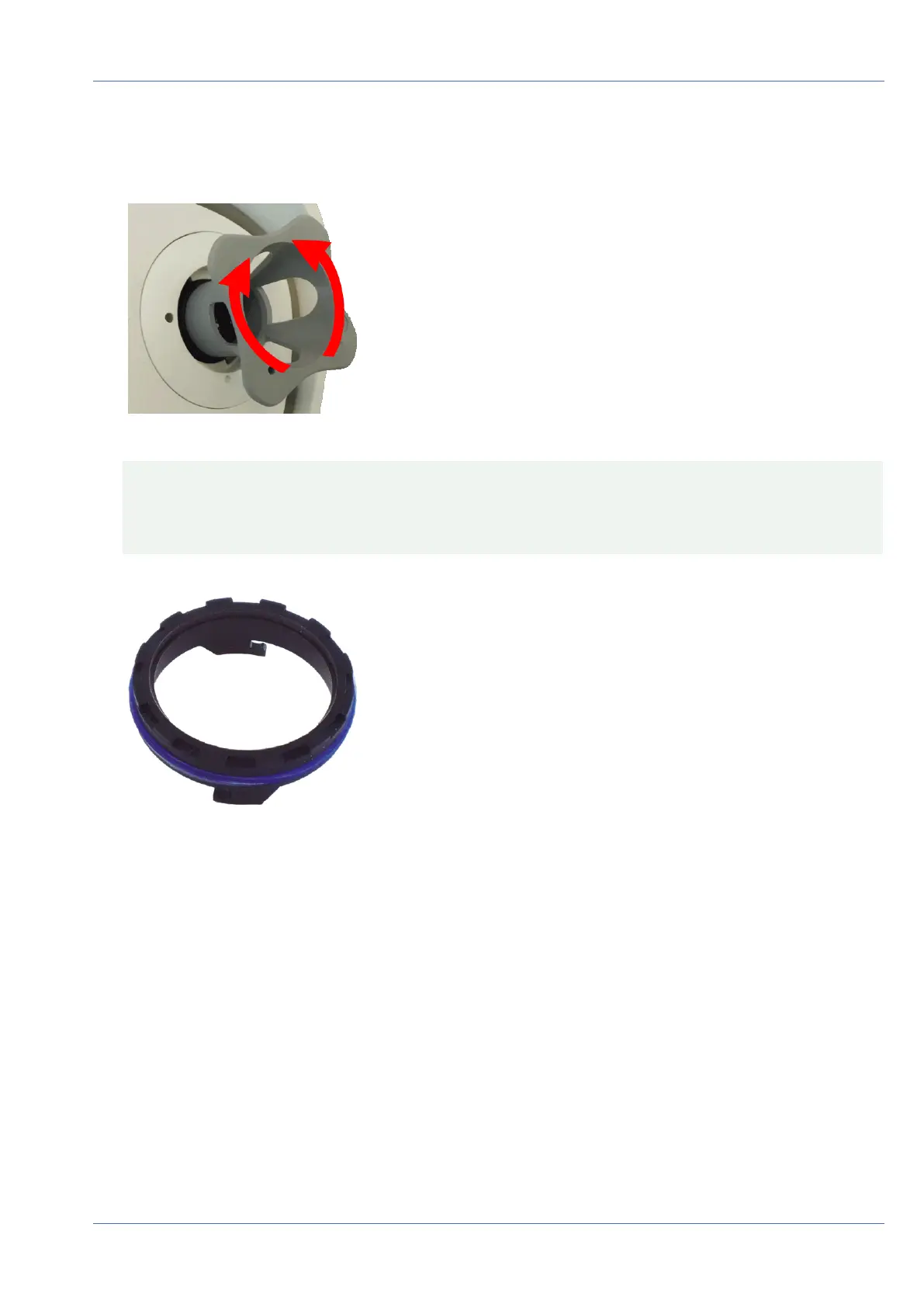
5. Insert the gray module wrench (with its two small pins) into the holes of the lens and cautiously turn to
the left and to the right. Adjust the image sharpness according to the live image on the computer mon-
itor:
Fig. 84: Adjust lens focus
CAUTION! Never apply force when turning the lens and never screw the lens too deep into the thread
since this could damage the image sensor! If in doubt, keep turning the lens counter-clockwise, then
turn clockwise to focus the lens.
6. If required, clean the inside of the lens protection glass with a clean, lint-free cloth:
Fig. 85: Lens protection glass
Operating the Camera
Focusing the TELE 15° Sensor Module
98 / 110



 To Next Page