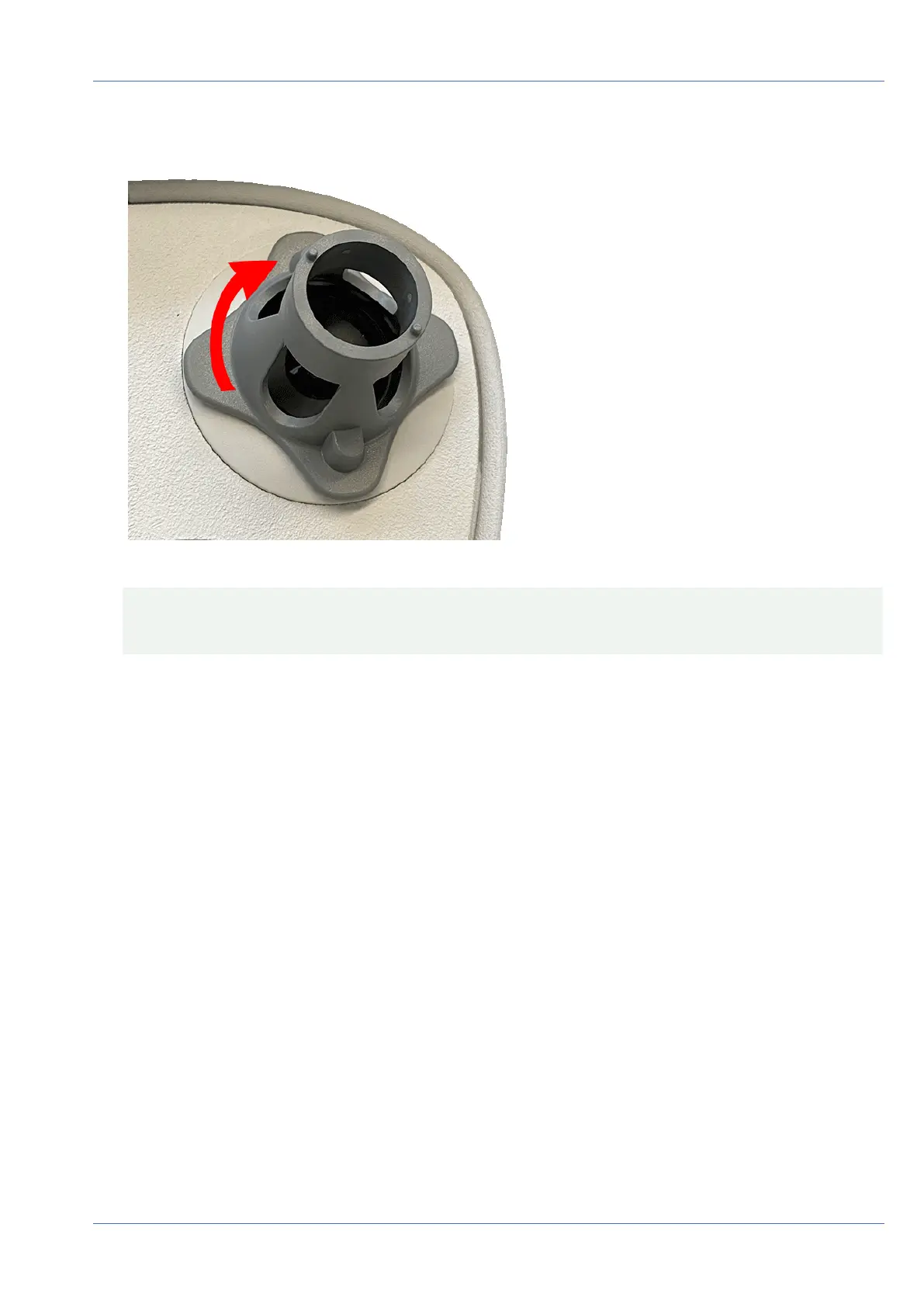
3. Lock the sensor module: Using the gray module wrench M.1, turn the sensor module clockwise until it
stops.
Fig. 26: Lock the sensor module
CAUTION! If you cannot turn the sensor module, it has been inserted the wrong way! Remove the
sensor module, rotate it by 180 degrees and insert it again.
Mounting
Installing a Thermal Front Plate
56 / 110



 To Next Page